Trained Answers allow teams to review, correct, and reinforce AI behavior using real conversations.
This helps improve:
answer accuracy
support consistency
AI learning quality
operational workflows
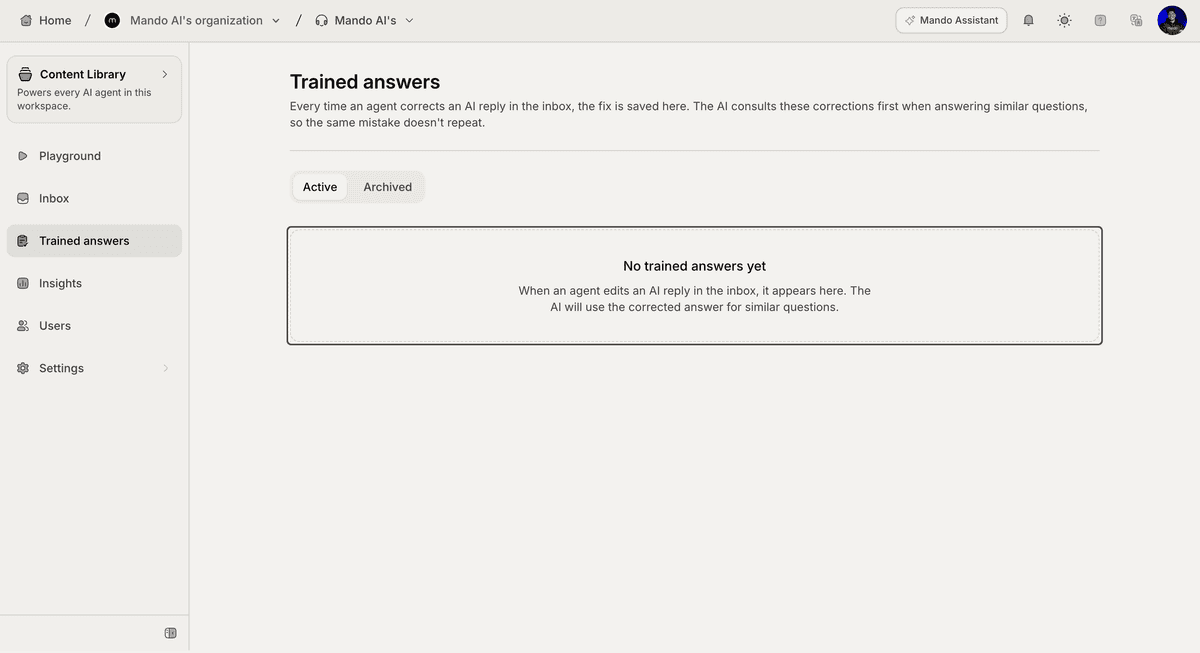
Open Trained Answers
To review trained answers:
Open your AI Agent workspace
Go to Trained Answers
Inside this section, you can manage:
trained responses
AI corrections
archived answers
learning history
Understand how Trained Answers work
When AI conversations are reviewed and corrected, Mando AI can use those corrections to improve future responses.
This creates a feedback loop between:
AI conversations
human corrections
support workflows
Over time, this helps the AI respond more accurately to similar questions.
Review active answers
Inside the Active tab, you can review trained answers currently used by the AI.
These answers may include:
corrected support responses
approved workflows
validated customer guidance
This helps maintain more consistent support behavior.
Archive outdated answers
Inside the Archived tab, you can review answers that are no longer actively used.
Archiving helps:
remove outdated workflows
clean up training history
improve answer relevance
This is useful when policies or support processes change.
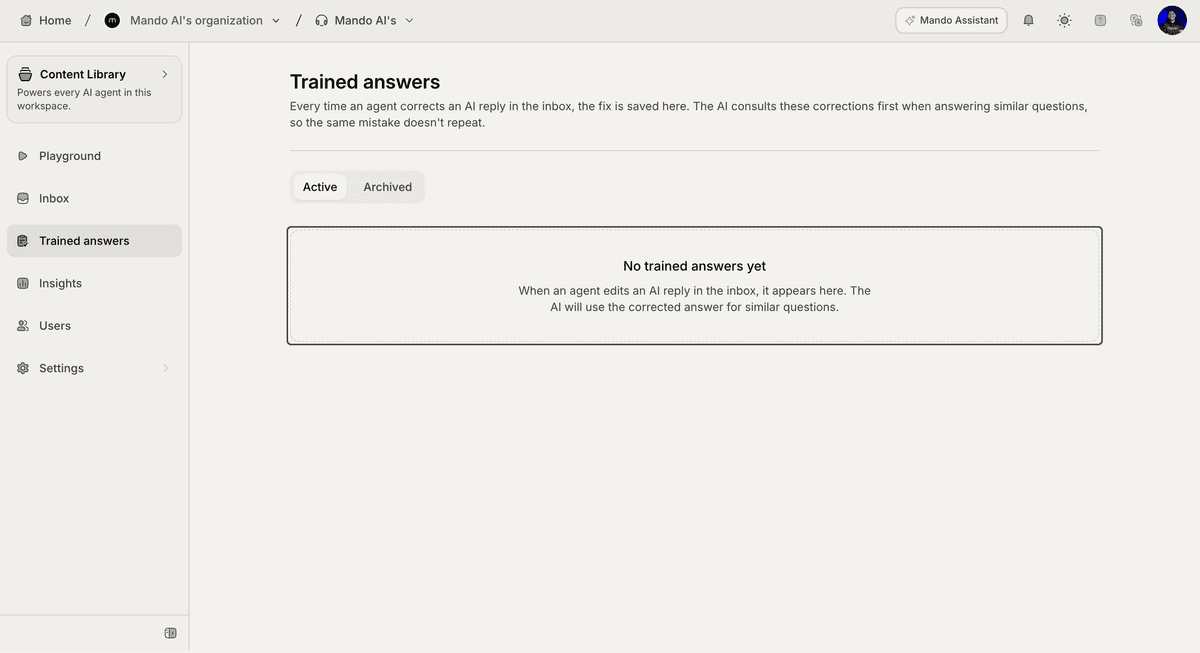
Improve AI performance using corrections
Many teams improve AI quality by:
reviewing weak answers
correcting incorrect responses
reinforcing successful support replies
This helps the AI learn from real support interactions over time.
Use Trained Answers with support workflows
Trained Answers work well alongside:
Inbox conversations
Human Handoff
snippets
internal articles
synced content
This creates a more reliable AI support system.
Keep answers updated
As your business evolves:
update outdated responses
remove incorrect information
review recurring customer questions
Well-maintained training data usually improves long-term AI performance.
Best practices for trained answers
For better AI quality:
review important support conversations regularly
correct inaccurate answers early
archive outdated responses
maintain consistent support messaging
Consistent corrections usually improve AI reliability significantly.
PRO TIP:
Focus on correcting high-frequency support questions first. Improving common workflows usually creates the biggest impact on AI performance.