Learn how to monitor AI performance in Mando AI and evaluate how effectively your AI Agents handle customer conversations.
Monitoring AI performance helps teams:
improve support quality
identify weak workflows
optimize AI behavior
reduce escalations
improve customer experience
Consistent monitoring is one of the most important parts of maintaining a successful AI support operation.
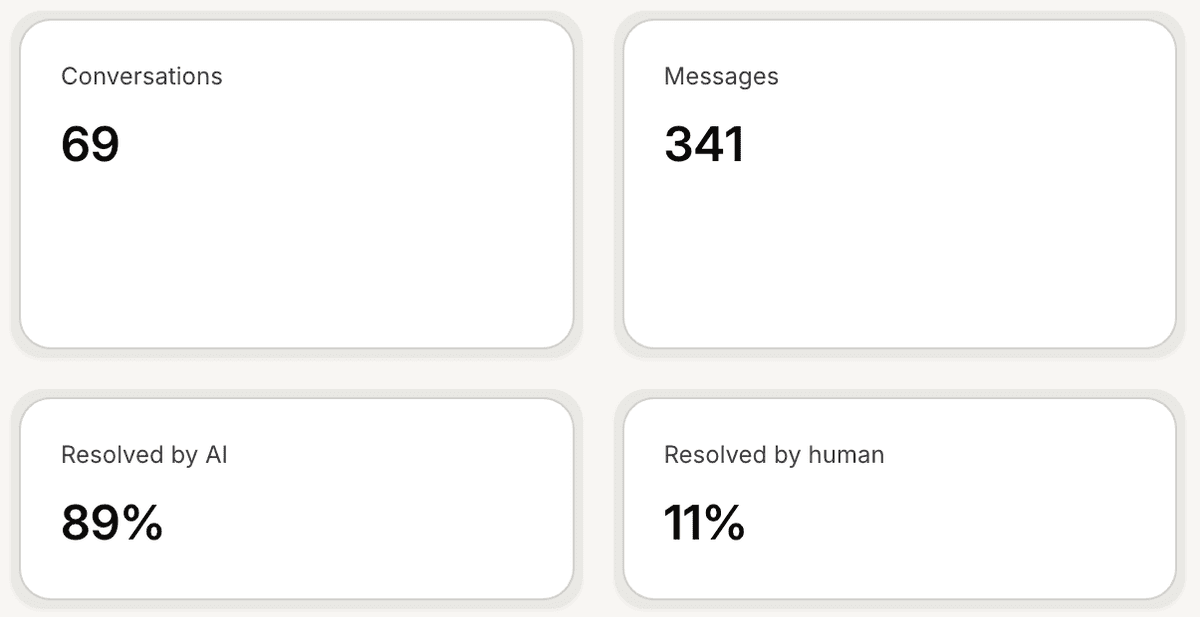
Open Insights
To monitor AI performance:
Open your AI Agent workspace
Go to Insights
Inside this section, you can review AI performance metrics and operational analytics.
Monitor AI Resolution
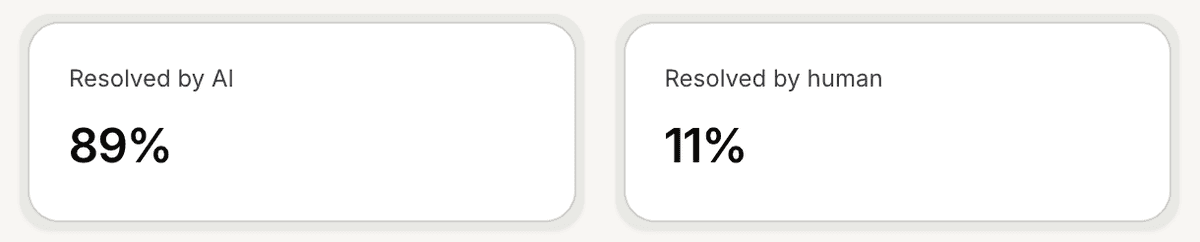
The AI Resolution metric measures how often the AI successfully handles conversations without human intervention.
Higher AI Resolution rates usually indicate:
strong support content
accurate AI responses
optimized workflows
This helps teams evaluate overall AI effectiveness.
Monitor Human Resolution
The Human Resolution metric tracks conversations that required human support.
This may include:
escalations
Human Handoff workflows
unresolved AI conversations
Monitoring this metric helps identify workflows where AI may still need improvement.
Review average response time
The Average Response Time metric helps teams understand how quickly customers receive responses.
Fast response times usually improve:
customer satisfaction
engagement
support experience
This is especially important for:
ecommerce support
sales inquiries
live customer conversations
Monitor conversation volume
Insights also help teams review:
total conversations
total messages
engagement trends
support activity over time
This helps businesses understand operational growth and support demand.
Identify weak workflows
AI performance monitoring can help identify:
repetitive escalations
weak support answers
missing knowledge
confusing workflows
Many teams use these insights to improve:
AI instructions
internal articles
snippets
support documentation
Review performance trends over time
Use date filters to compare:
daily performance
weekly trends
monthly operational changes
This helps teams track whether AI quality is improving over time.
Combine Insights with conversation reviews
Performance monitoring works best when combined with:
Inbox reviews
Trained Answers
AI Analysis
customer feedback
Together, these workflows help create continuous AI improvement.
Best practices for AI monitoring
For healthier AI operations:
review metrics regularly
monitor escalations closely
improve recurring weak answers
keep support content updated
Long-term AI quality usually improves through continuous iteration.
PRO TIP:
A lower Human Resolution rate is not always better. Complex customer issues may still require human support, even in highly optimized AI workflows.
Next steps
Understand Customer Pulse
Use AI Analysis
Understand trained answers