Voice settings help control:
greeting behavior
conversation timing
interruption handling
voicemail behavior
call experience settings
These settings help create smoother and more natural voice interactions.
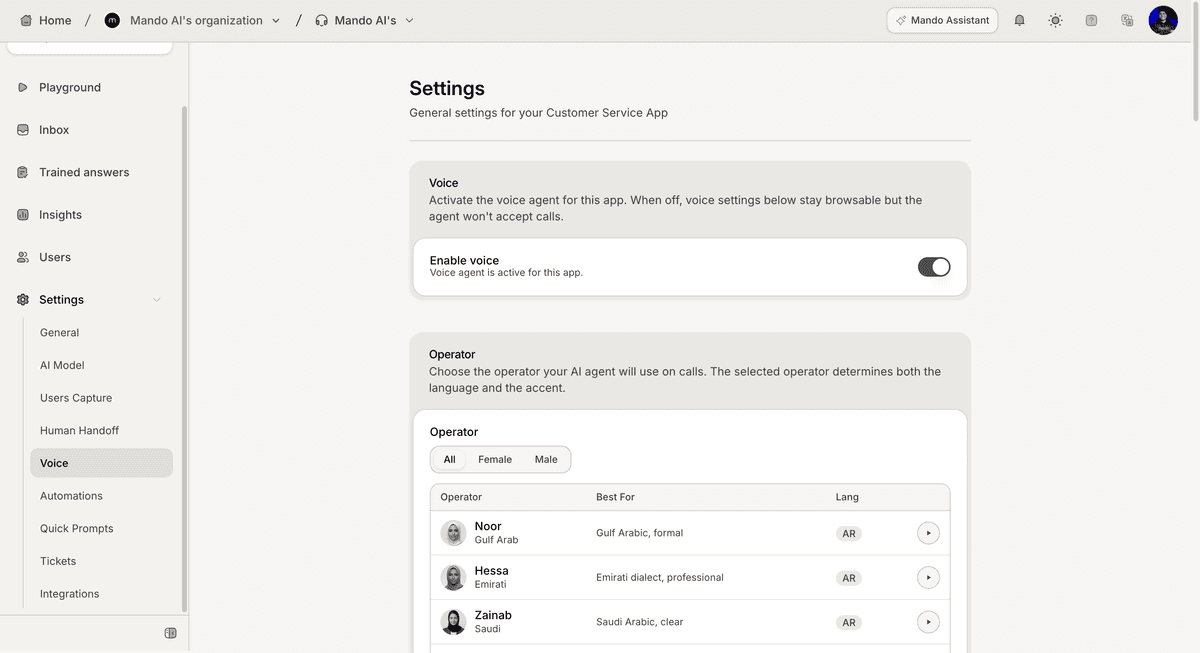
Open the Voice settings
To configure voice behavior:
Open your AI Agent workspace
Go to Voice
Inside this section, you can manage voice conversation settings and operator behavior.
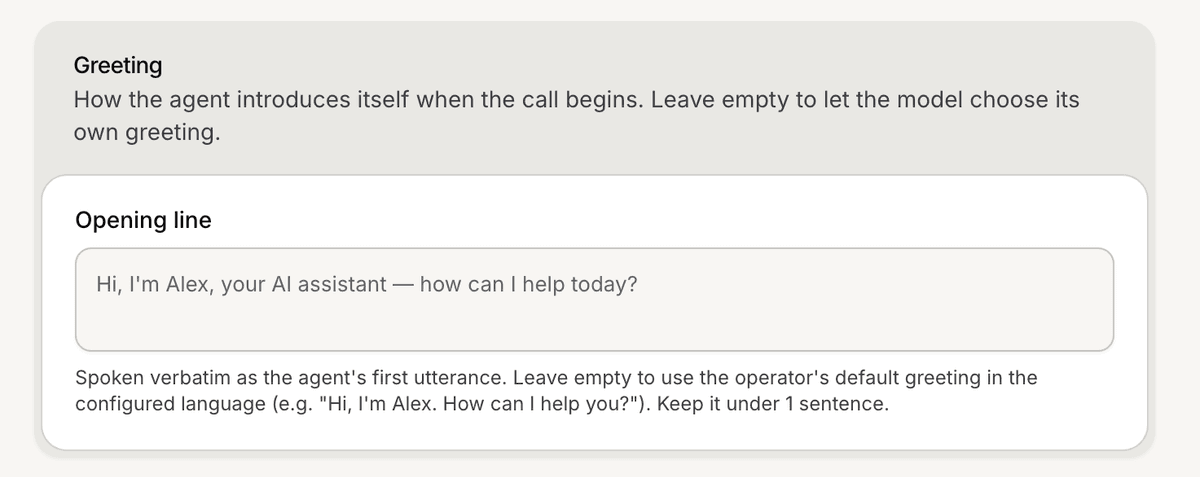
Configure the greeting message
The Voice settings include a greeting or first-message configuration.
This greeting is typically the first thing customers hear when a voice conversation starts.
For better experiences:
keep greetings short
use natural wording
clearly introduce the AI assistant
Configure silence timeout settings
Voice settings also include silence-related behavior settings.
These settings help control how the AI behaves when:
customers stop responding
conversations become inactive
long pauses occur during calls
This helps create more reliable voice workflows.

Configure call duration settings
The Voice settings also include conversation duration controls.
These settings help manage:
maximum call length
conversation limits
long-running voice interactions
This is especially useful for operational control and workflow management.

Configure voicemail behavior
Voice settings may also include voicemail-related behavior.
These settings help define how the AI behaves when:
calls are unanswered
voicemail systems respond
conversations cannot continue normally
Test your voice experience
After updating settings:
Run a test interaction from Playground
Review conversation timing
Verify greeting behavior
Test interruptions and silence handling
Testing helps ensure the experience feels natural before deployment.
Keep voice experiences simple
For better voice conversations:
keep greetings concise
avoid overly long responses
use natural conversational wording
simplify workflows where possible
Shorter and clearer conversations are usually easier for customers to follow.
PRO TIP:
Voice conversations move faster than chat conversations. Small timing and interruption settings can noticeably affect the customer experience.