Voice language settings affect:
pronunciation
accent behavior
conversation clarity
customer experience
Different voice operators may support different languages and speaking styles.
Open the Voice settings
To review supported voice languages:
Open your AI Agent workspace
Go to Voice
Open the voice operator section
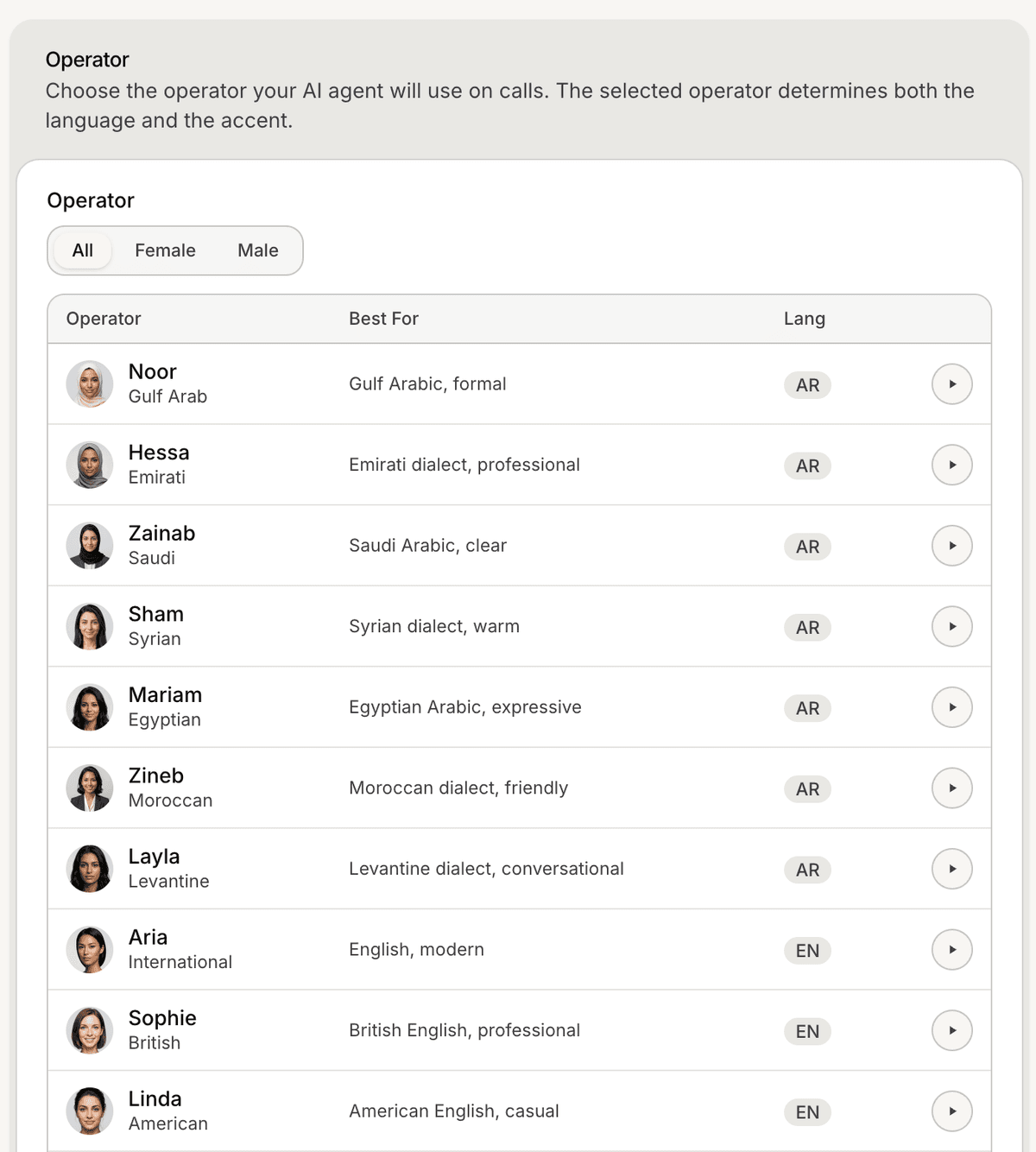
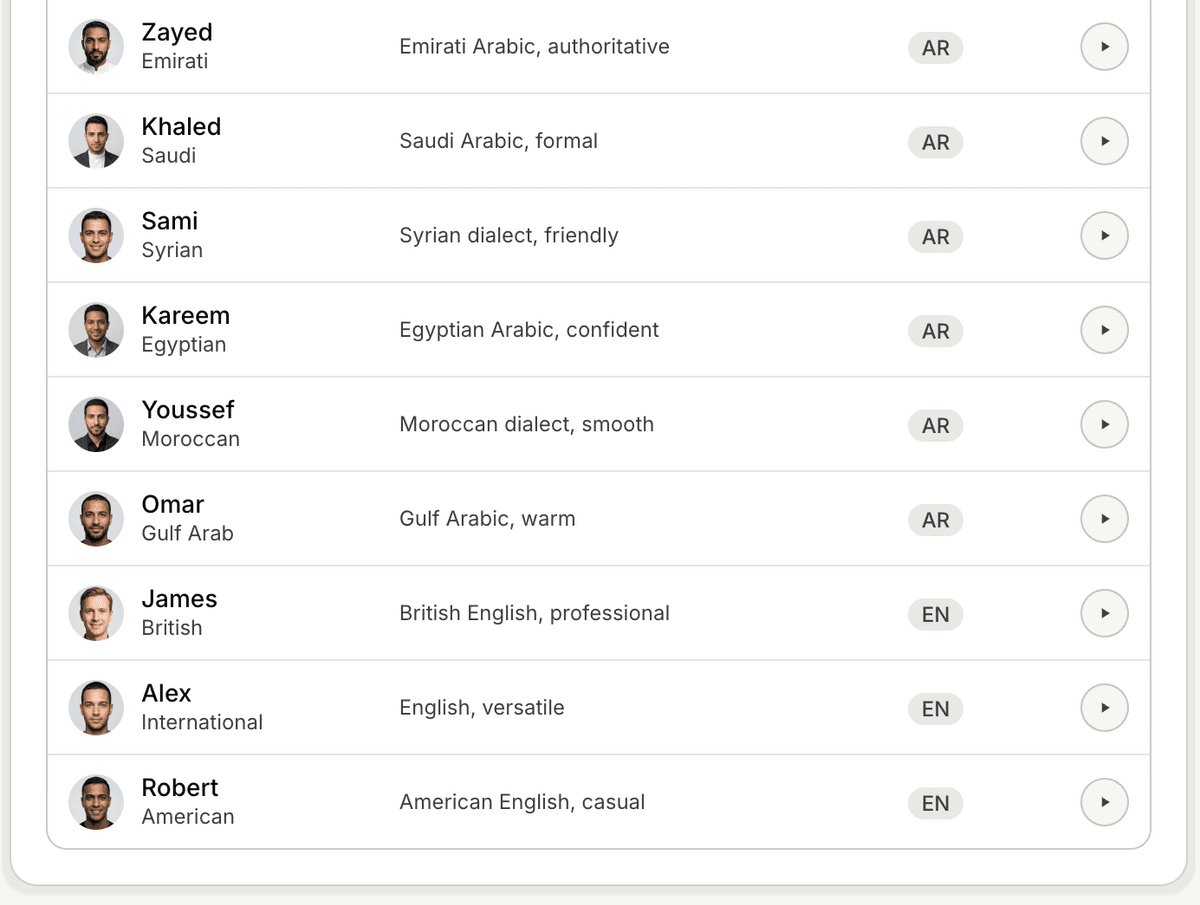
Inside this section, you can review available operators and their supported languages.
Review available languages
Depending on the selected operator, different languages may be available.
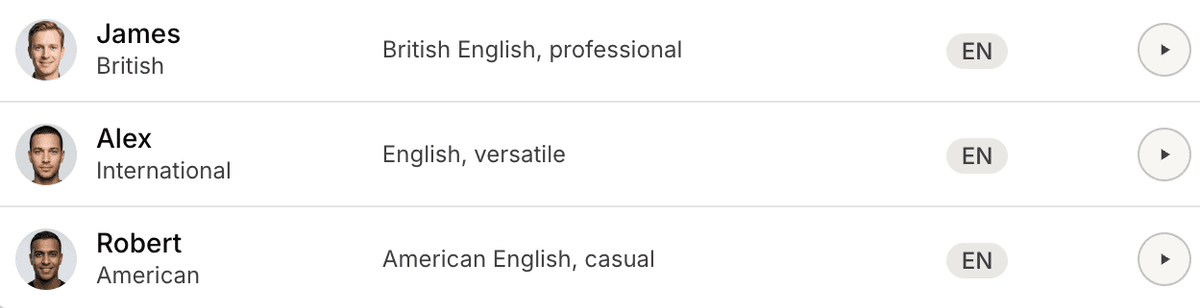
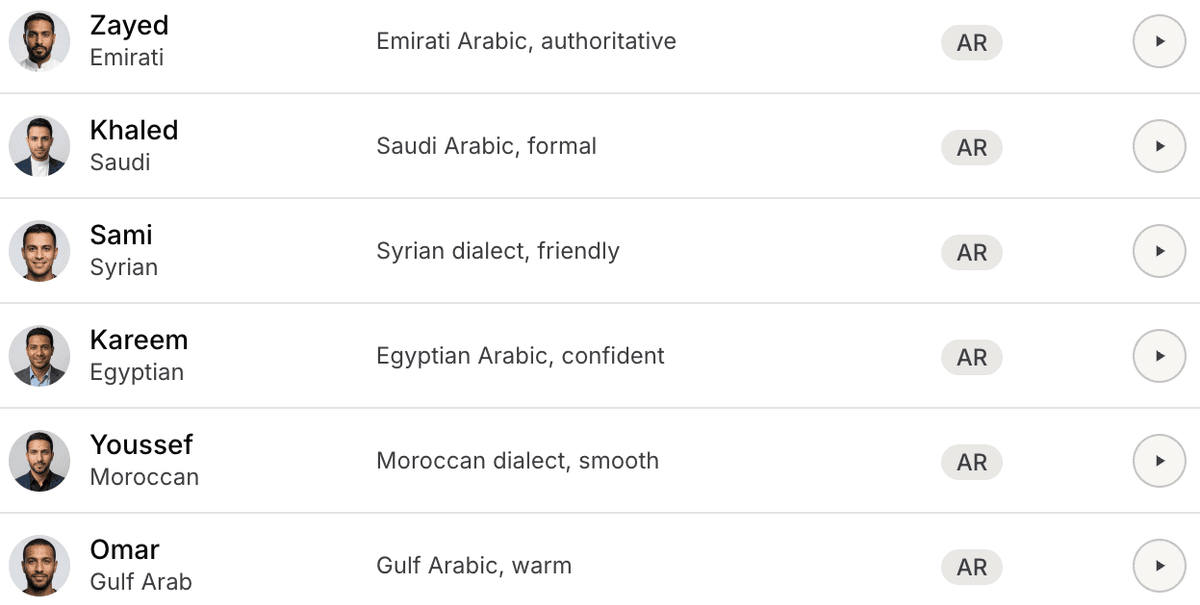
The available operators shown inside the workspace include multiple language and accent options.
Examples visible in the Voice section include:
English
Arabic dialect variations
Language availability may vary depending on the selected operator.
Choose the right language experience
When selecting a language setup, consider:
your customer region
accent familiarity
conversation clarity
support workflow type
Localized voice experiences usually feel more natural to customers.
Test pronunciation and clarity
Before deploying Voice Agents publicly:
Test sample conversations
Review pronunciation quality
Verify speech clarity
Confirm the experience feels natural
This helps identify pronunciation or tone issues early.
Use localized operators when possible
Different audiences may respond better to:
localized accents
familiar pronunciation
region-specific speaking styles
This is especially important for voice-first customer experiences.
Update operators later
You can change voice operators and language configurations later if needed.
Many teams test multiple operators before deciding which experience works best for their audience.
Best practices for voice languages
For better voice experiences:
keep spoken responses concise
avoid overly technical wording
test pronunciation carefully
use natural conversational language
Simple and clear speech usually performs best in voice workflows.
PRO TIP:
Always test voice conversations using real customer phrases and questions. Small pronunciation differences can noticeably affect the customer experience.