Your AI Agent is the core of your Mando AI workspace. It can answer customer questions, assist visitors, automate support, and interact across multiple channels.
Mando AI provides different AI Agent types to help businesses get started faster depending on their workflow.
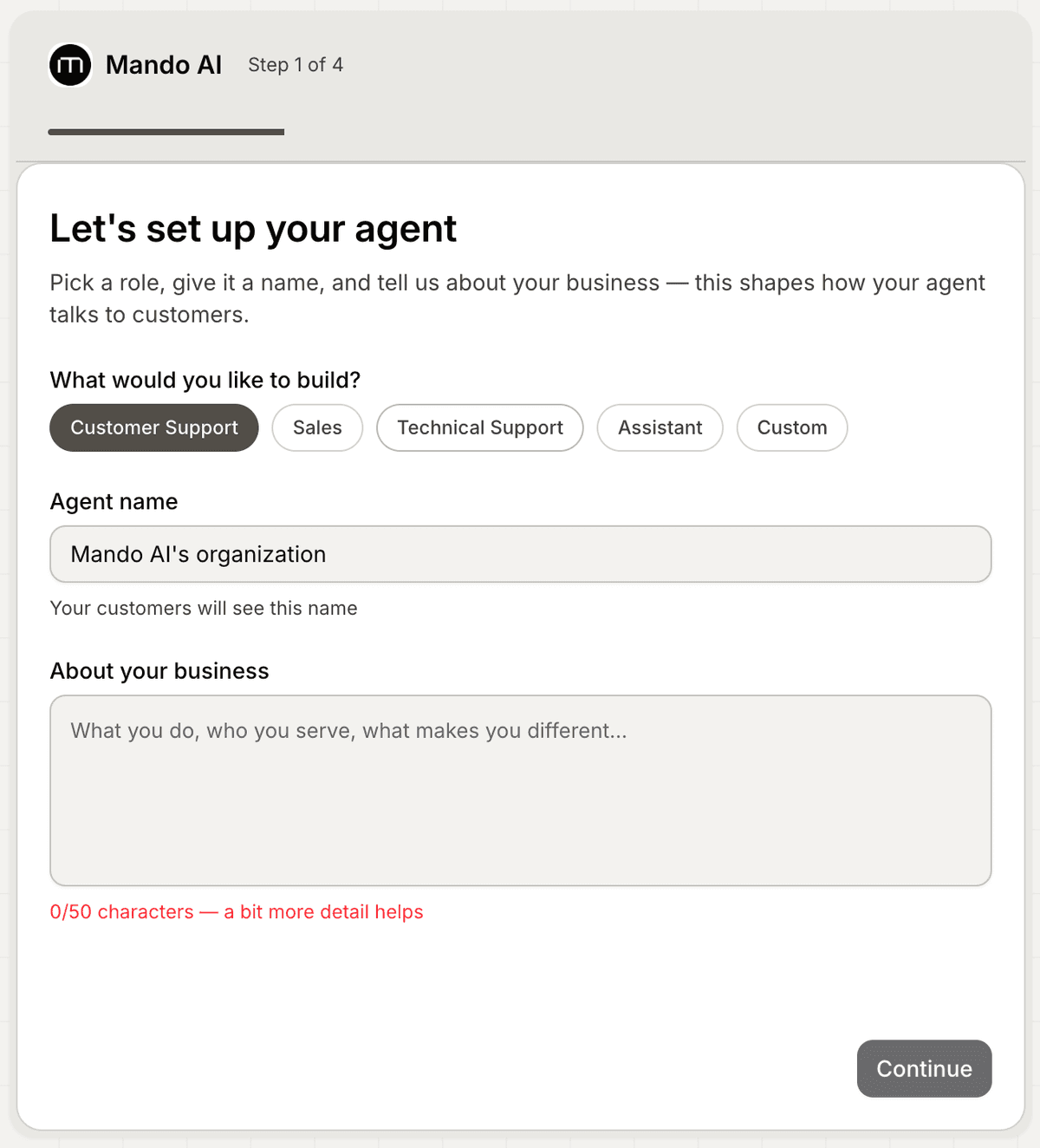
Create a new AI Agent
When creating a new workspace, Mando AI guides you through the AI Agent setup process automatically.
To create your first AI Agent:
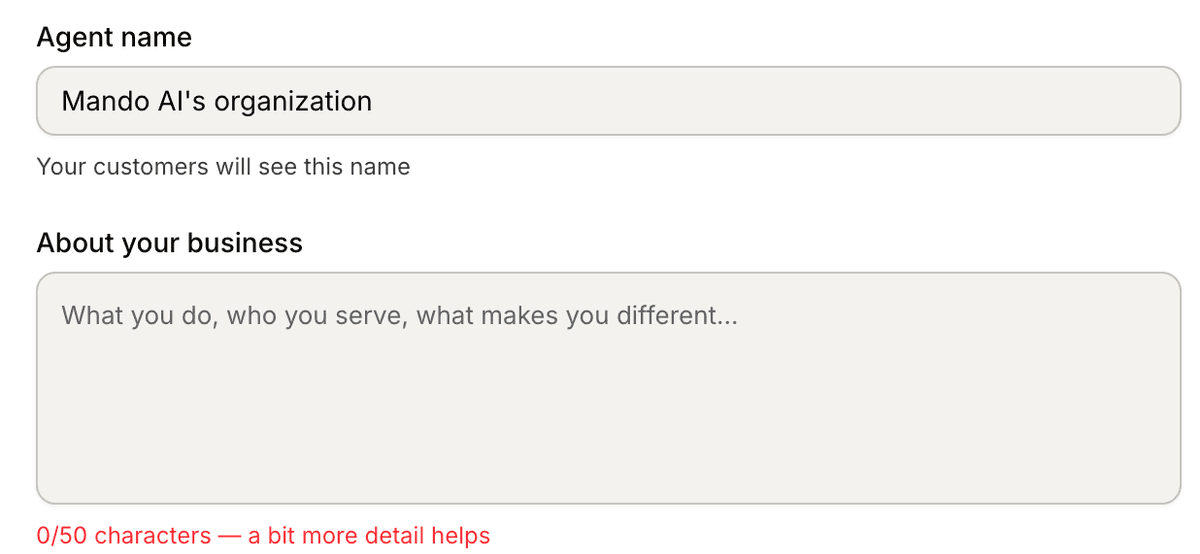
Enter your AI Agent name
Choose the AI Agent type that best matches your use case
Add information about your business
Click Continue
The business description helps Mando AI generate more relevant and contextual responses.
Choose the right AI Agent type
Mando AI includes multiple AI Agent templates designed for different workflows.
Available options may include:
Customer Support
Sales
Technical Support
Assistant
Custom
Each AI Agent type is optimized for different conversation styles and use cases.
For example:
A Customer Support AI Agent focuses on helping users solve issues quickly
A Sales AI Agent focuses more on recommendations and conversions

Add business information
Inside the About your business field, explain:
what your business does
what products or services you offer
who your customers are
how customers usually interact with your business
The more context you provide, the better your AI Agent can respond during conversations.
Example:
“We sell skincare products online and help customers choose products based on their skin type. We also answer shipping, return, and order tracking questions.”
What happens next?
After creating your AI Agent, Mando AI will guide you through:
connecting content sources
training your AI
configuring channels
deploying your AI experience
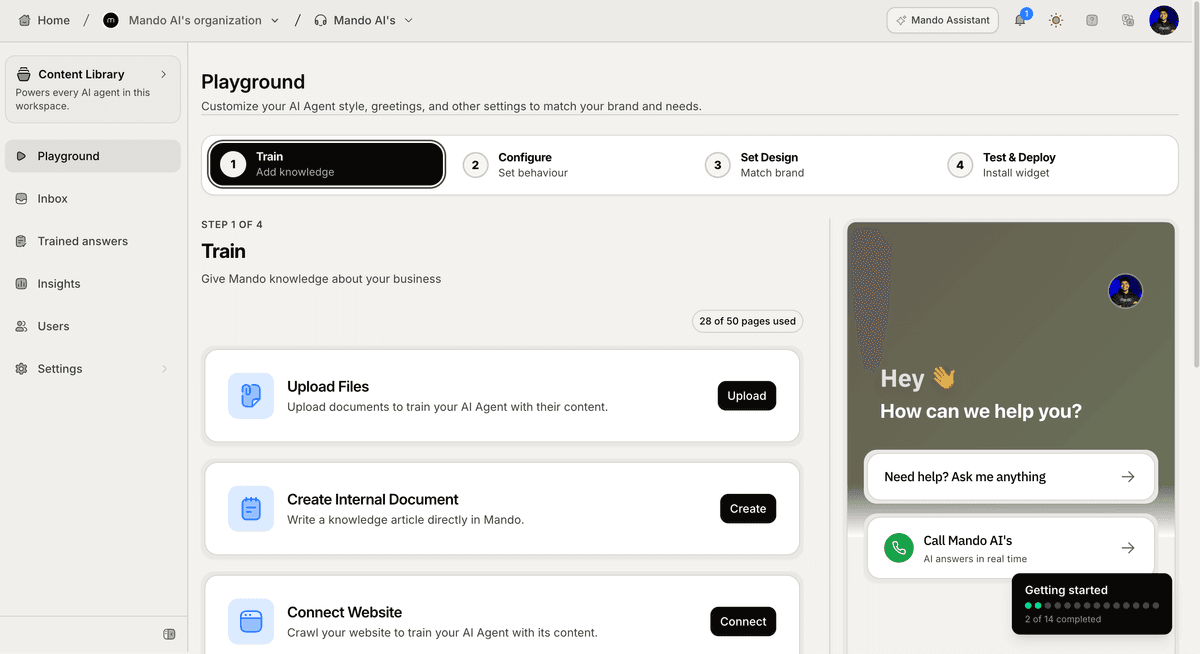
You can continue improving your AI Agent later from the Playground.
PRO TIP:
Start with a simple business description first. You can always improve your AI Agent instructions and behavior later as your workspace grows.