Content sources help your AI Agent generate accurate answers using information from your website, ecommerce store, uploaded files, and internal knowledge.
Mando AI supports multiple content sources, including websites, Shopify, Salla, uploaded files, snippets, and internal articles.
Open the Train section
To start training your AI Agent:
Open your AI Agent workspace
Go to the Playground
Open the Train step
Inside the Train section, you can manage all content connected to your AI Agent.
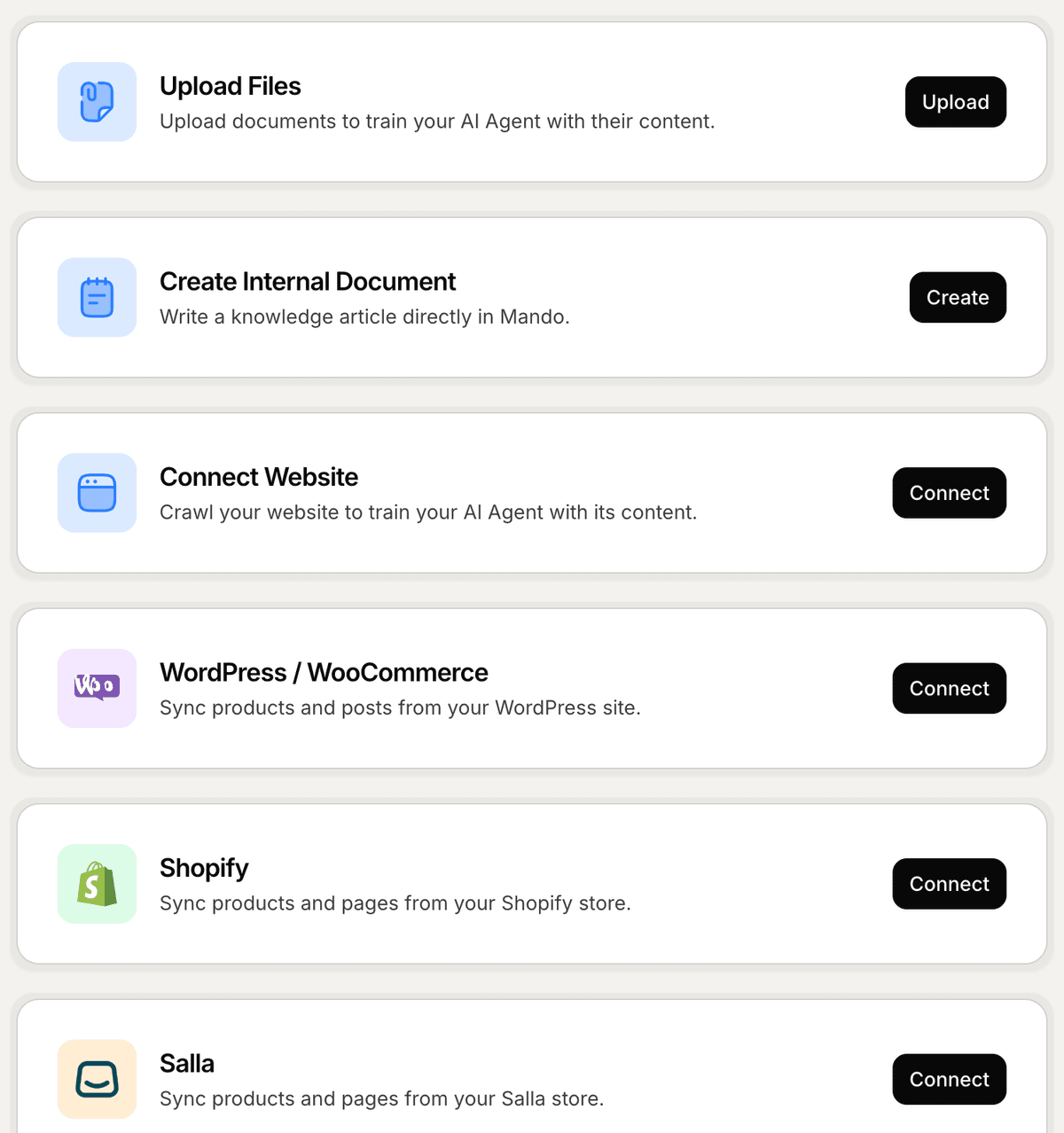
Choose a content source
Mando AI allows you to train your AI using different types of content.
Available content sources include:
Connect Website
Upload Files
Create Internal Document
Shopify
Salla
Choose the source that best matches where your business information already exists.
For example:
Ecommerce stores can connect Shopify or Salla
SaaS companies can connect documentation websites
Support teams can upload guides and internal files
Connect a website
To connect your website:
Click Connect Website
Enter your website URL or sitemap URL
Choose which apps can access the content
Click Sync
Mando AI will begin crawling and indexing your website automatically.
Upload files
You can also upload files directly to train your AI Agent.
Supported formats include:
PDF
DOCX
TXT
XLSX
PPTX
To upload files:
Click Upload Files
Drag and drop your files or click Browse files
Select which apps can access the content
Click Upload
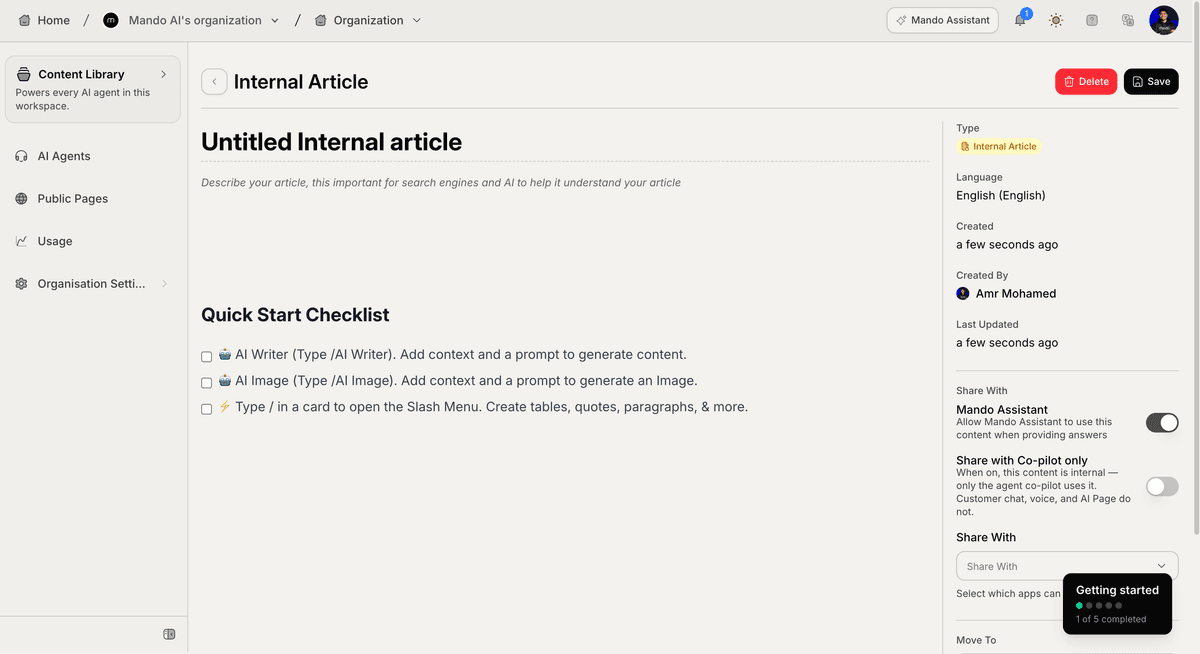
Create internal knowledge
If you want to write content directly inside Mando AI:
Click Create Internal Document
Add your content using the editor
Share it with your AI Agent
Save the document
Internal documents are useful for:
FAQs
support workflows
onboarding content
product information
PRO TIP:
Start by connecting your website or help documentation first. This usually gives your AI Agent the biggest improvement in answer quality.