After training your AI Agent, you can deploy it using the Web Widget and supported messaging channels like WhatsApp and Messenger.
This allows customers to interact with your AI Agent directly from your website and communication platforms.
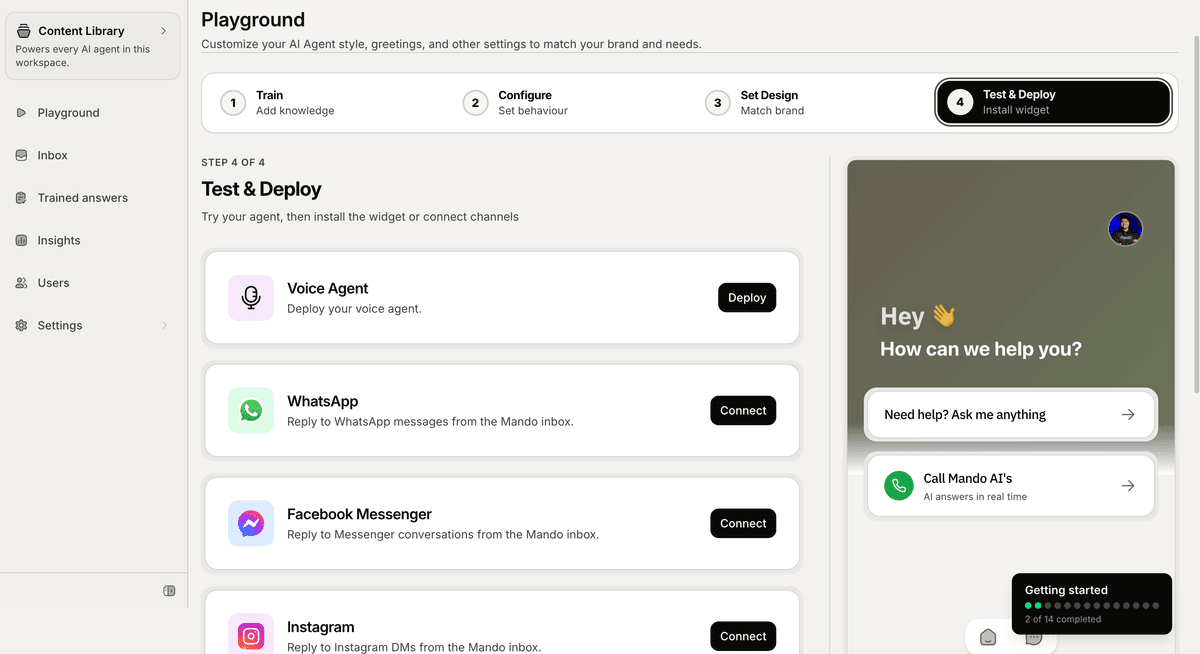
Open the Test & Deploy section
To deploy your AI Agent:
Open your AI Agent workspace
Go to the Playground
Open the Test & Deploy step
Inside this section, you can:
install the Web Widget
connect messaging channels
test conversations
review deployment settings
Install the Web Widget
The Web Widget allows visitors to chat with your AI Agent directly from your website.
To install it:
Stay on the Website Visitor tab
Copy the installation script
Paste the script before the closing
</body>tag on your websitePublish your website changes
Mando AI also supports installation using Google Tag Manager.
Connect messaging channels
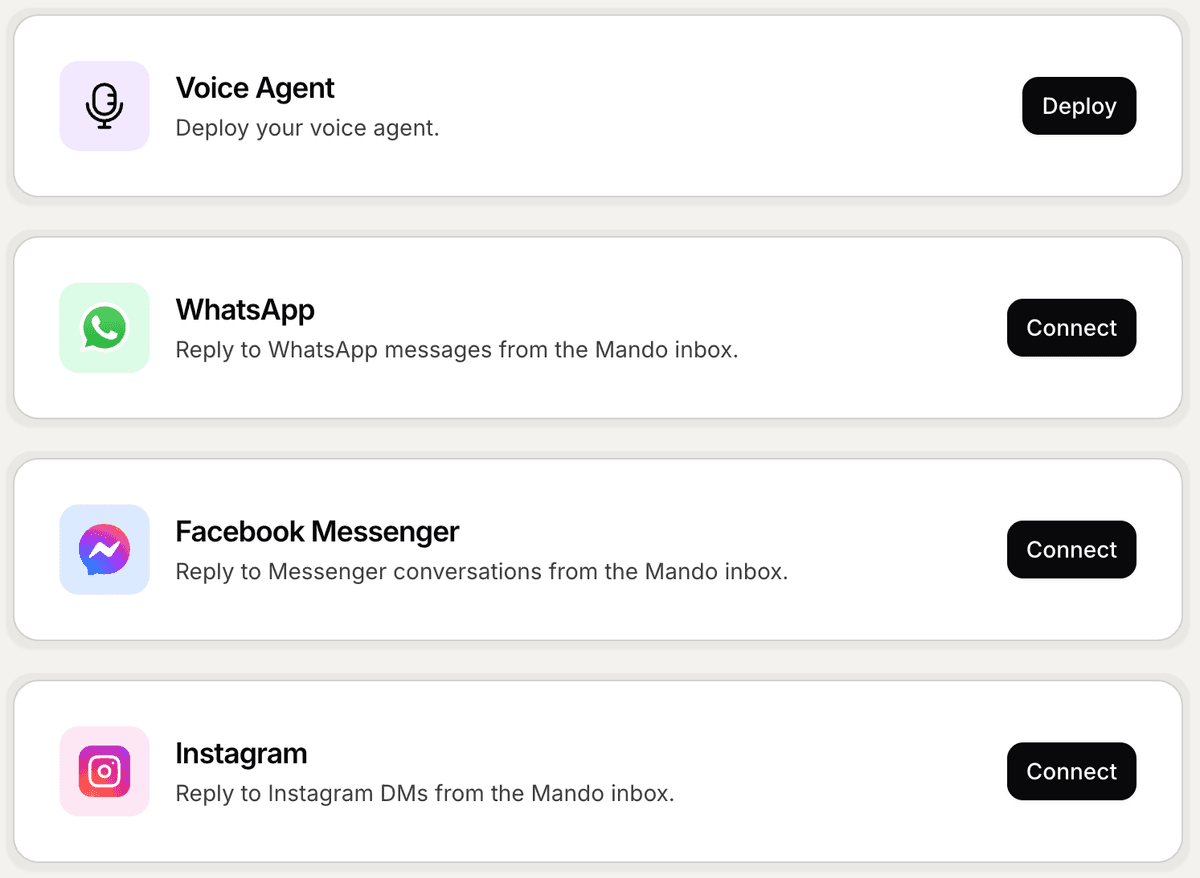
Mando AI supports multiple communication channels, including:
WhatsApp
Messenger
Instagram
To connect a channel:
Click Connect beside the channel
Complete the authentication flow
Return to Mando AI after the connection is completed
Connected channels can later be managed from Settings → Integrations.
Test your AI experience
Before going live, test how your AI Agent responds to conversations.
Use the preview panel inside the Playground to:
ask questions
review AI answers
verify content accuracy
test the customer experience
This helps improve your AI responses before customers begin interacting with it.
Customize the experience later
After deployment, you can continue customizing:
widget colors
welcome messages
launcher position
branding
AI behavior
Deployment settings can be updated later without reinstalling the widget.
PRO TIP:
Test your AI Agent using real customer questions before deploying publicly. This helps identify missing content and improve answer quality early.