The Web Widget lets customers interact with your AI Agent using a live chat experience embedded on your website.
This is useful for:
customer support
ecommerce assistance
lead generation
onboarding
product questions
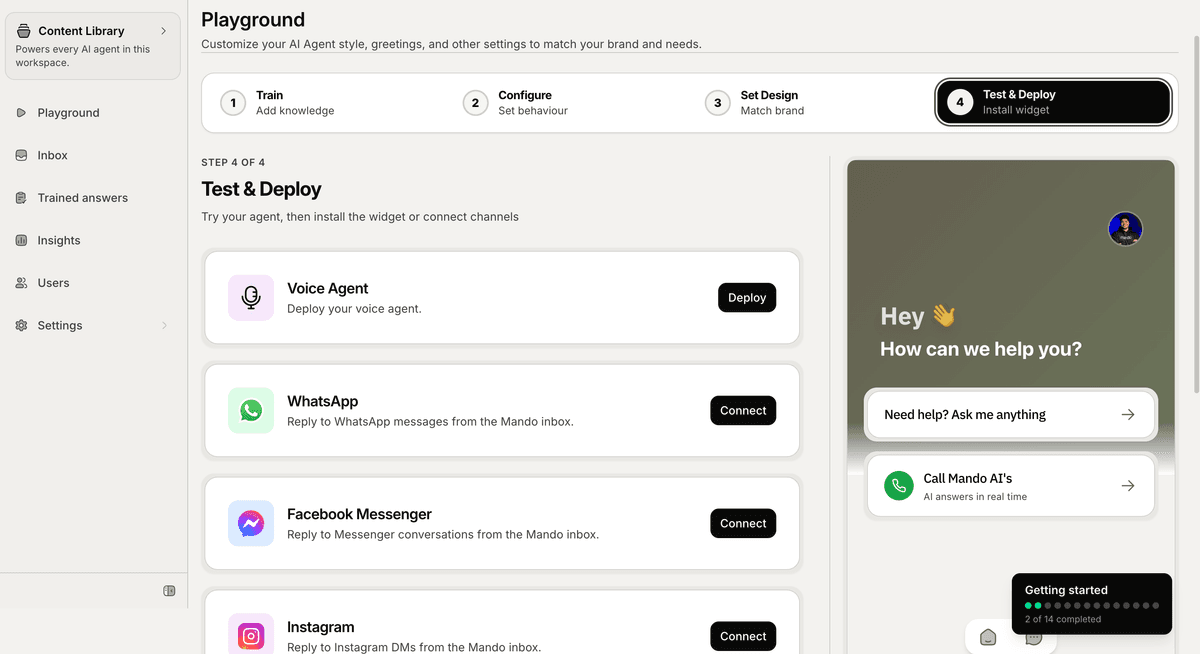
Open the Web Widget installation page
To install the widget:
Open your AI Agent workspace
Go to the Playground
Open the Test & Deploy step
Stay on the Website Visitor tab
Inside this section, Mando AI provides your installation script.
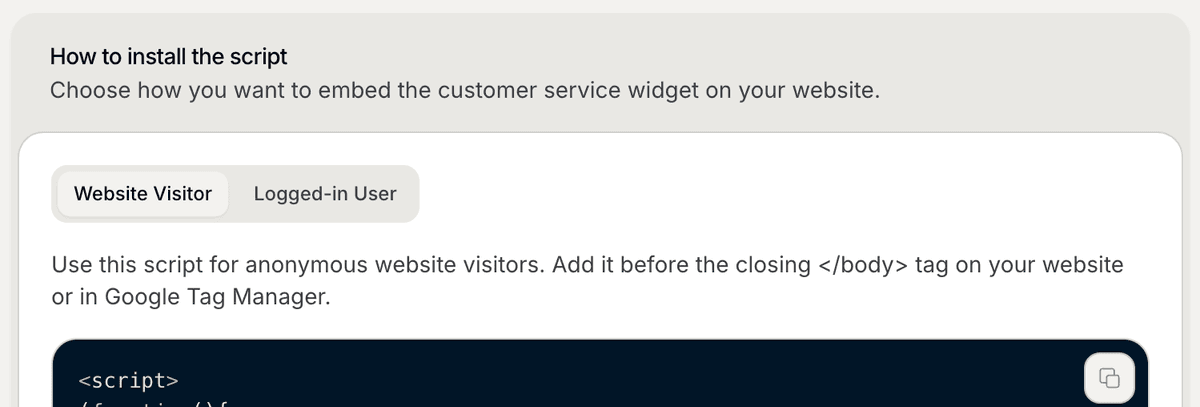
Copy the installation script
Inside the installation section:
Click Copy
Copy the generated script
The script is unique to your workspace and AI Agent.
Add the script to your website
Paste the script before the closing </body> tag on your website.
Example locations include:
website templates
theme layouts
footer scripts
global site settings
After publishing your changes, the widget will appear on your website automatically.
Install using Google Tag Manager
Mando AI also supports installation through Google Tag Manager.
To do this:
Open Google Tag Manager
Create a new custom HTML tag
Paste the widget script
Publish your container changes
This is useful if you manage scripts centrally using GTM.
Test the widget
After installation:
Open your website
Verify the widget appears correctly
Start a test conversation
Review your AI Agent responses
You can continue testing and improving your AI experience from the Playground.
Customize the widget later
After installation, you can continue customizing:
colors
greeting messages
launcher position
branding
AI behavior
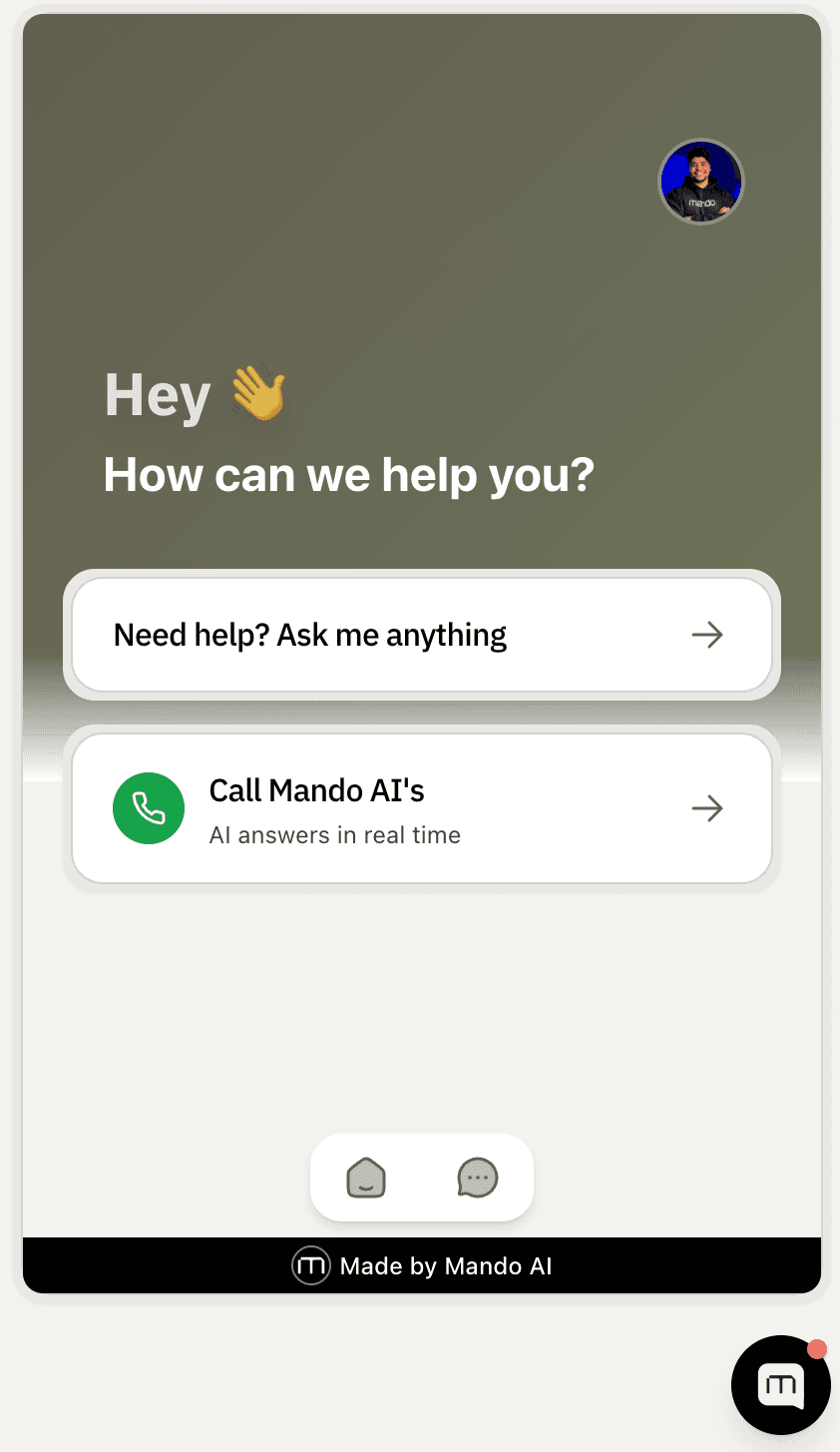
Widget settings can be updated later without reinstalling the script.
PRO TIP:
Test the widget on both desktop and mobile devices after installation to make sure the experience looks correct across all screen sizes.