Connecting Instagram helps businesses automate customer communication and respond faster to common questions directly from Instagram.
This is especially useful for:
ecommerce stores
product inquiries
customer engagement
social commerce
support automation
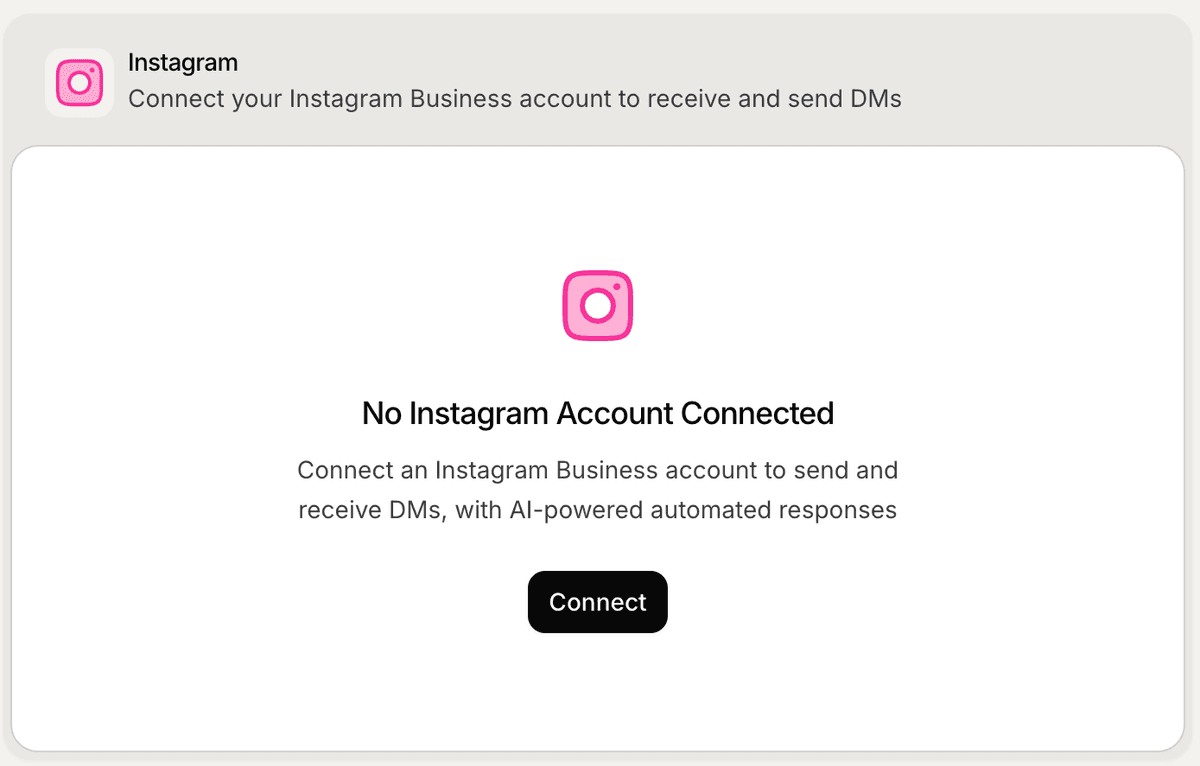
Open the Instagram integration
To connect Instagram:
Open your workspace
Go to Settings
Open Integrations
Stay inside the Channels tab
Find Instagram
Click Connect
This starts the Instagram connection flow.
Sign in with Meta
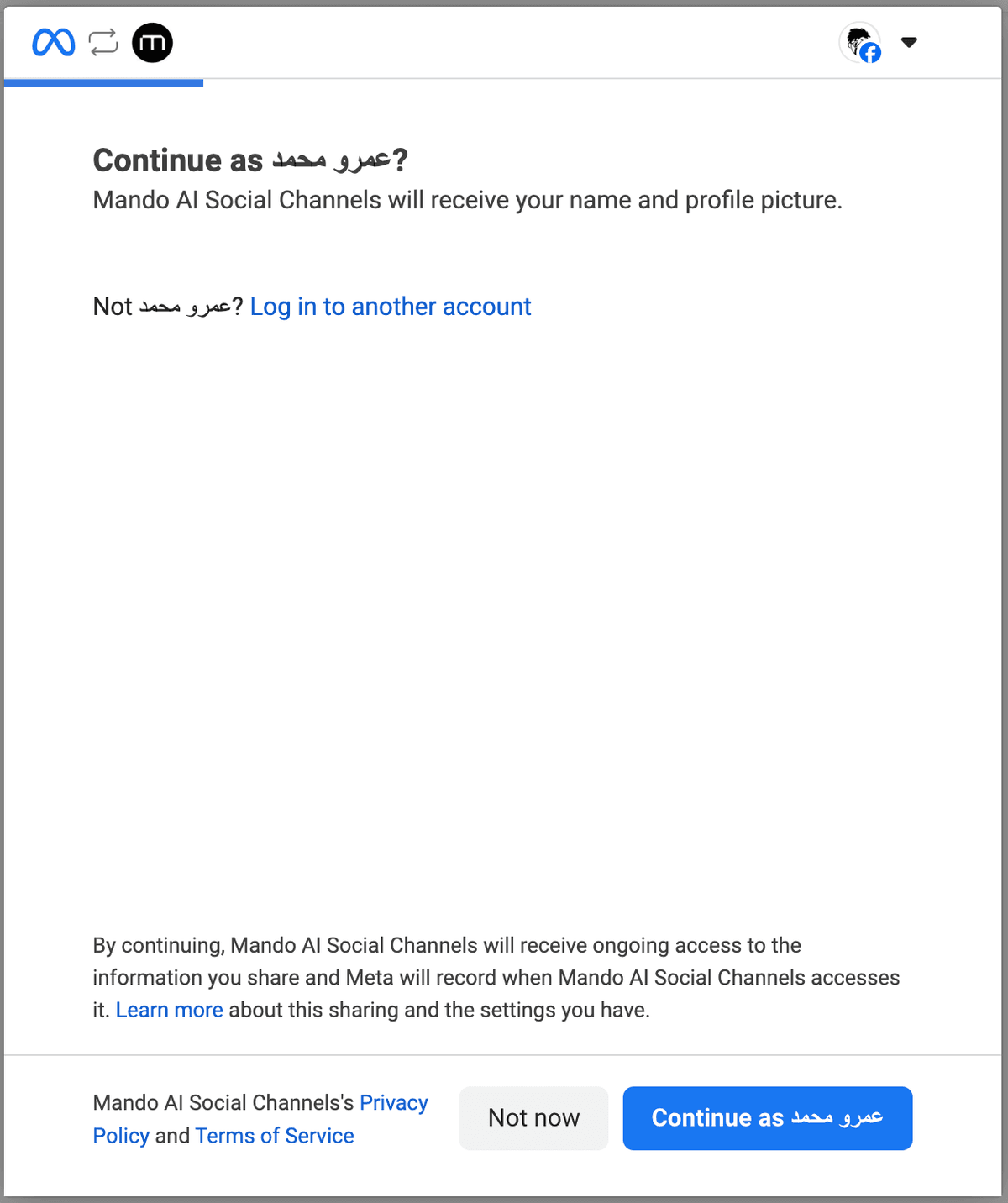
After clicking Connect, Mando AI redirects you to Meta authentication.
Inside the Meta flow:
Sign in to your Facebook account
Select your Meta Business account
Approve the requested permissions
Continue the setup process
This allows Mando AI to connect with your Instagram Business account securely.
Complete the Instagram setup
Depending on your Meta configuration, you may need to:
select an Instagram Business account
connect a Facebook Page
approve permissions
confirm business settings
After setup is completed, you will return to Mando AI automatically.
Verify the connection
After connecting successfully:
Return to Settings → Integrations
Open the Channels tab
Confirm that Instagram shows as connected
Your AI Agent can now start handling Instagram conversations.
Test your Instagram experience
Before going live:
Send a test message to your Instagram account
Review AI responses
Verify response quality
Test common customer questions
This helps ensure the AI behaves correctly before customers begin interacting with it.
Improve Instagram support quality
Instagram conversations are often:
shorter
faster
mobile-focused
For better results:
keep responses concise
maintain clear product information
update shipping and return policies regularly
test real customer questions frequently
Manage the integration later
After connecting Instagram, you can later:
reconnect the integration
improve AI behavior
update connected knowledge
test new workflows
Your AI Agent configuration and synced content continue working across connected channels automatically.
PRO TIP:
Instagram customers usually expect fast and simple replies. Shorter answers often create a better messaging experience on mobile devices.