Slack webhooks allow Mando AI events such as escalations, tickets, and conversations to appear inside Slack.
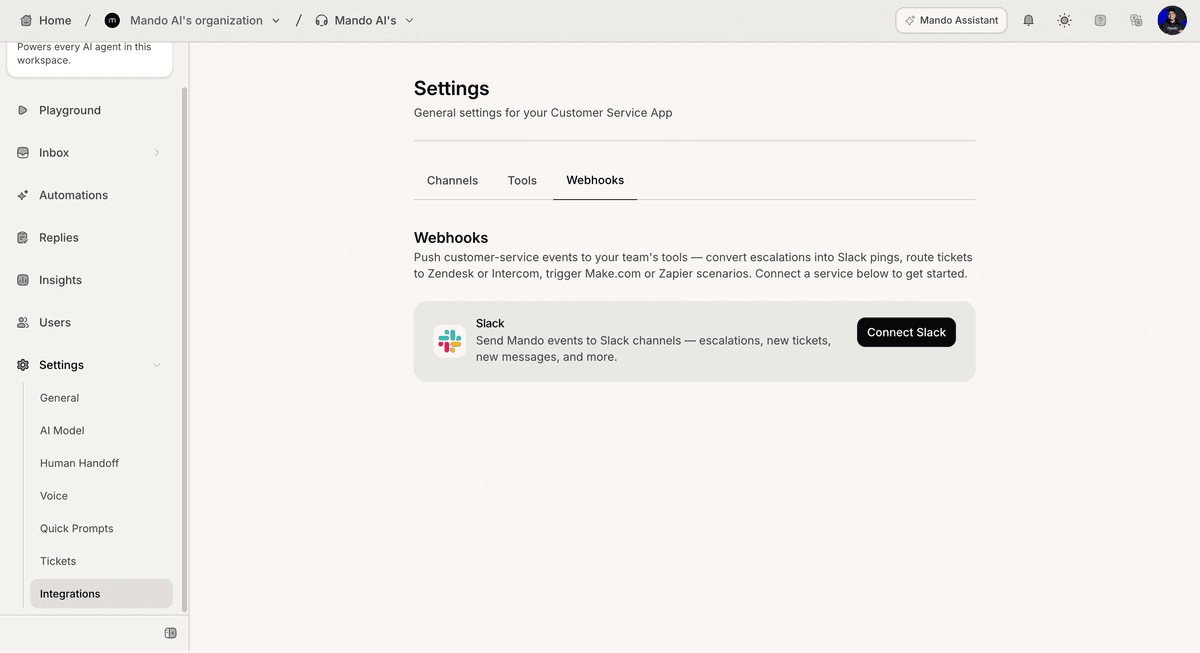
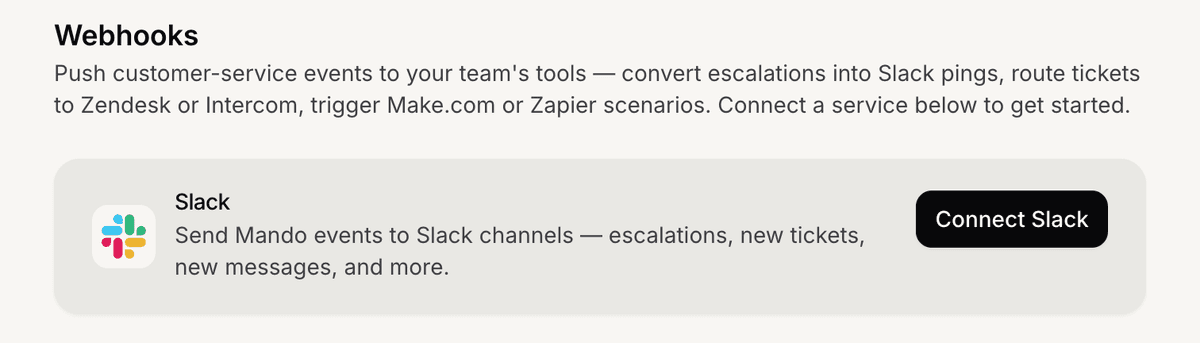
Open webhook settings
To configure Slack webhooks:
Open your AI Agent
Go to Settings
Open Webhooks
Click Connect Slack
Mando AI will open the Slack connection flow.
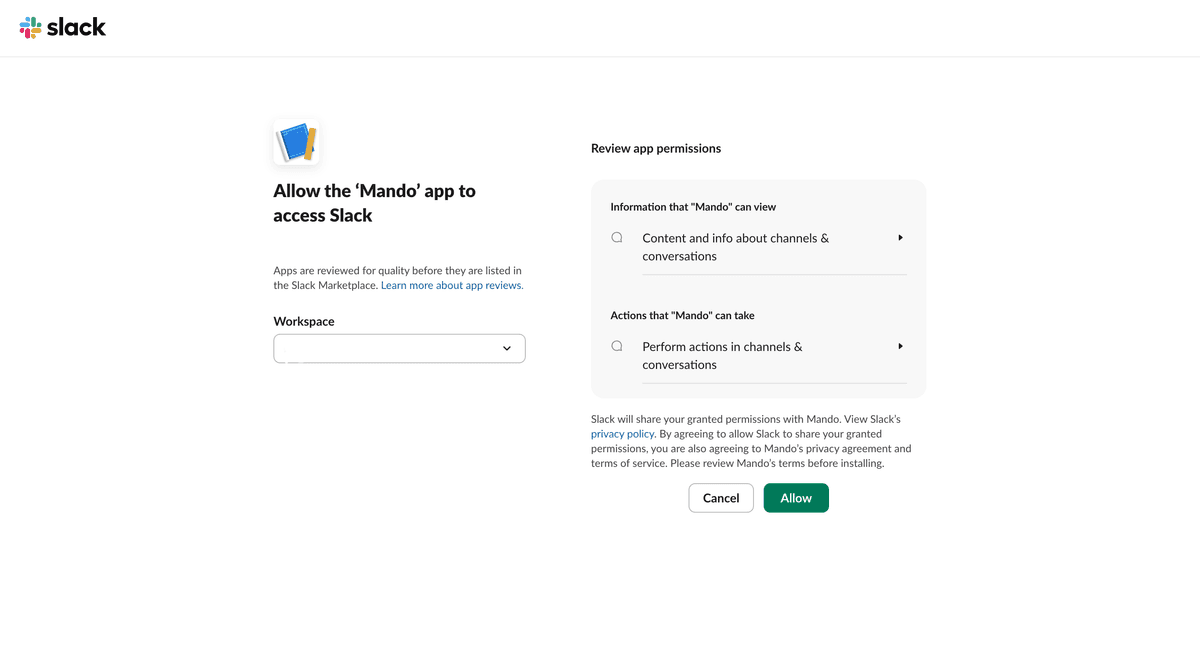
Authorize Slack access
To connect your Slack workspace:
Select your Workspace
Review the requested permissions
Click Allow
After authorization, Slack becomes available for event configuration.
Configure event destinations
After connecting Slack:
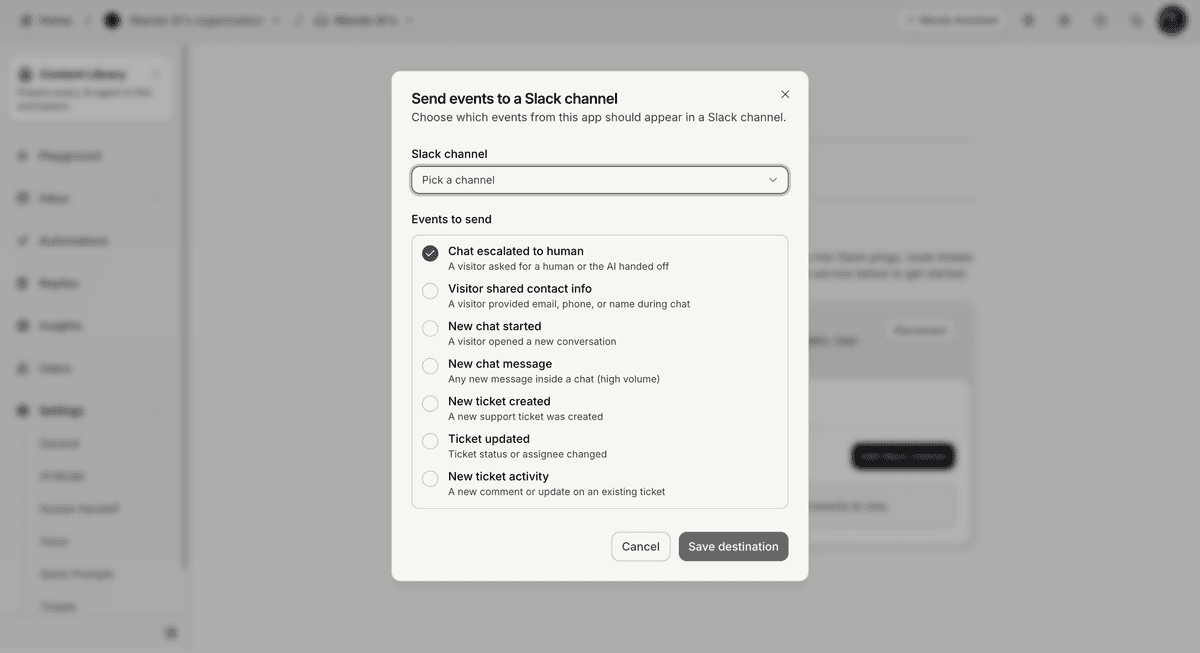
Select a Slack channel
Choose which events should be sent
Click Save destination
Available event options shown include:
Visitor shared contact info
New chat started
New chat message
New ticket created
Ticket updated
New ticket activity
PRO TIP:
Route high-volume events carefully to avoid noisy Slack channels.