Developer webhooks allow developers to receive Mando AI events using custom webhook URLs.
Open Developer webhooks
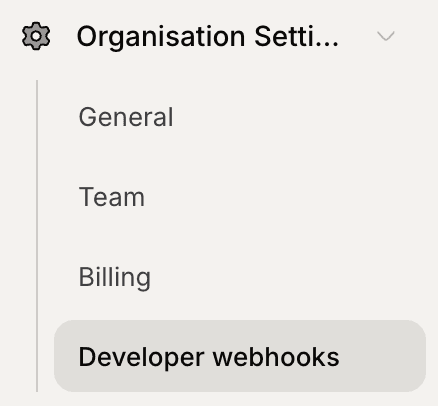
To access Developer webhooks:
Open Organization Settings
Click Developer webhooks
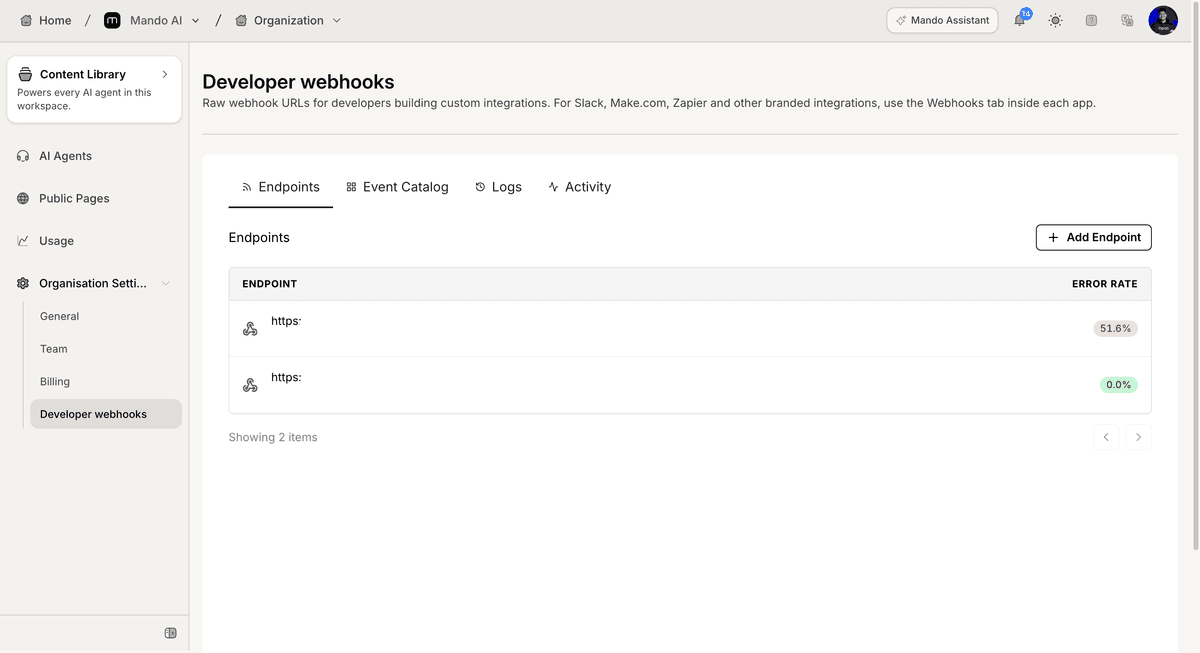
The Developer webhooks page contains endpoint management and activity monitoring tools.
Add a webhook endpoint
To create a new endpoint:
Open the Endpoints tab
Click Add Endpoint
The endpoint configuration flow will open.
Review webhook activity
The Developer webhooks page includes additional monitoring sections.
Available sections shown include:
Event Catalog
Logs
Activity
These sections help review available events and webhook activity.
PRO TIP:
Monitor webhook logs regularly to identify failed deliveries and endpoint issues.