Newsroom customization settings let you control:
colors
fonts
homepage text
navigation links
footer content
article appearance
These settings help create a consistent public publishing experience.
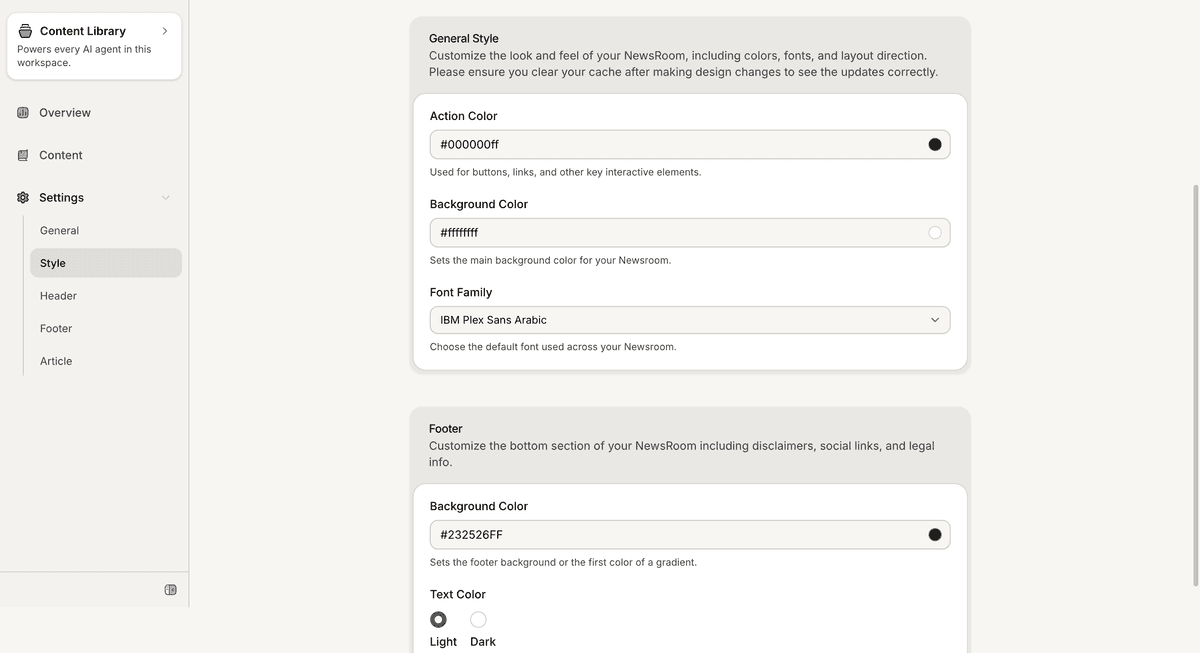
Open the Newsroom settings
To customize the Newsroom:
Open your Newsroom
Go to Settings
Open Style
The Style section contains the visual customization settings for the public Newsroom.
Customize colors and fonts
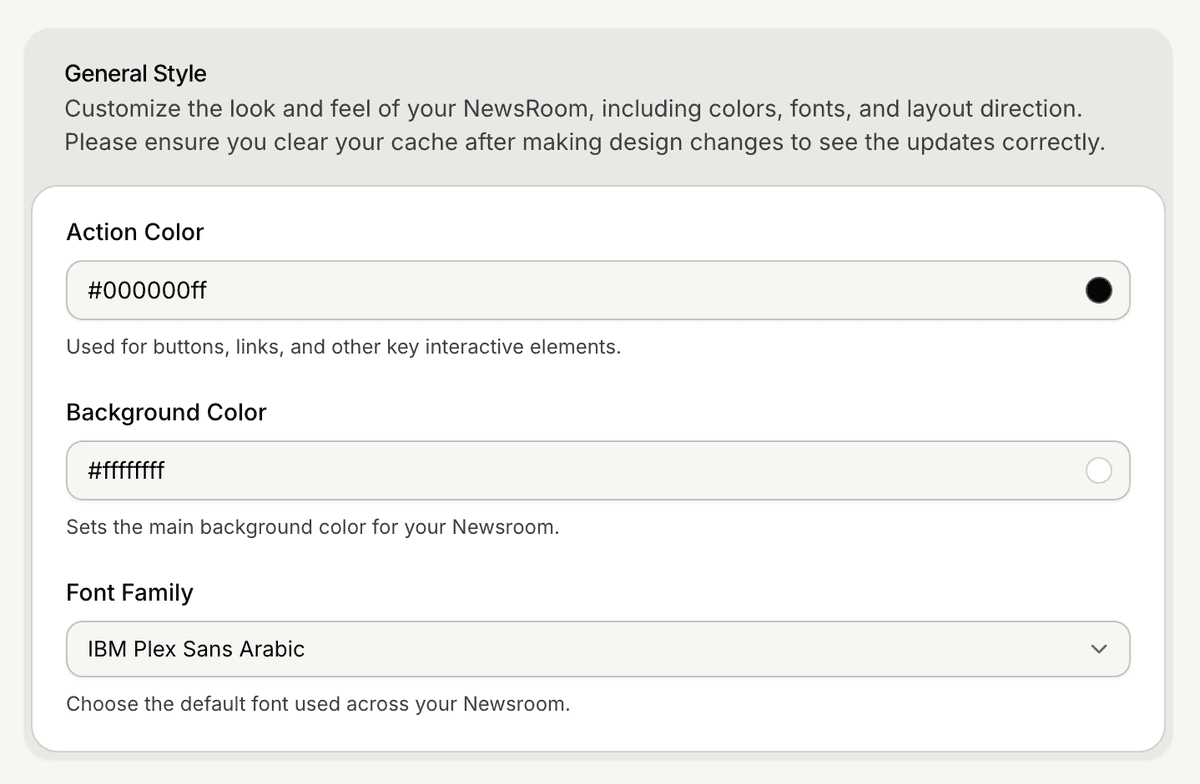
The Style settings include appearance controls for the Newsroom.
Available settings include:
action color
background color
font family
These settings affect the public Newsroom interface.
Configure the homepage header
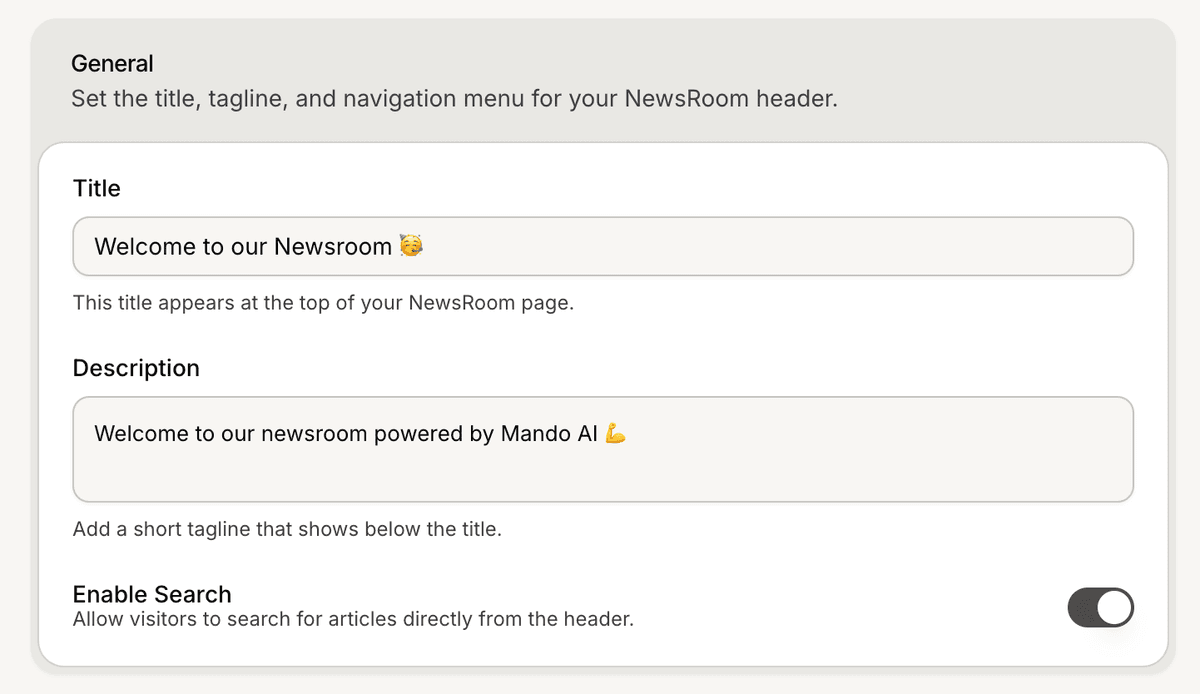
The Newsroom header settings control the top section of the public homepage.
To configure the header:
Open Settings
Go to Header
Update the title and description
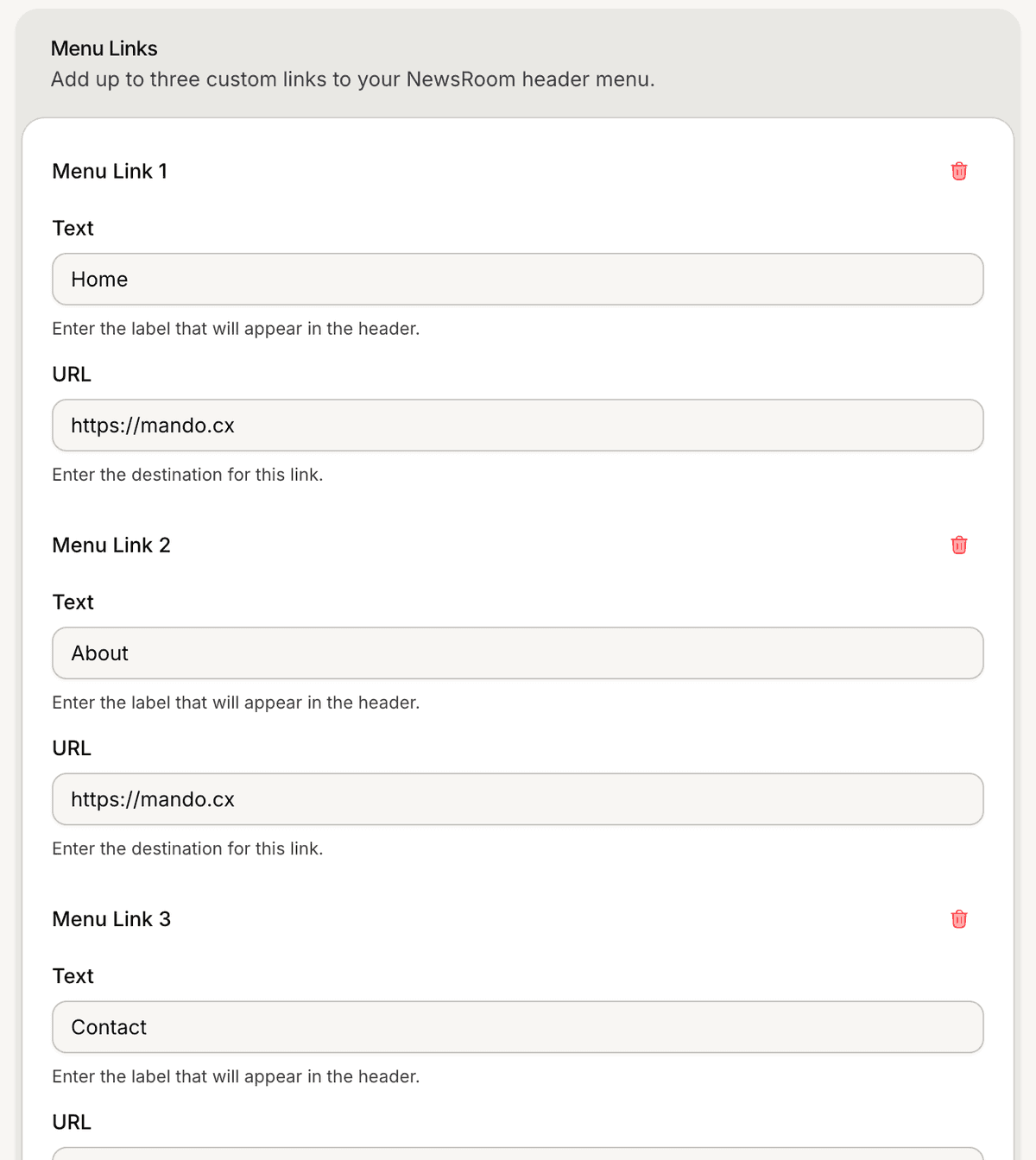
Configure menu links if needed
The Newsroom supports up to 3 menu links.
Configure the footer
The Footer settings control the bottom section of the Newsroom.
Available settings include:
footer text
footer menu links
support information
social media links
Supported social platforms include:
Facebook
Instagram
YouTube
WhatsApp
TikTok
X

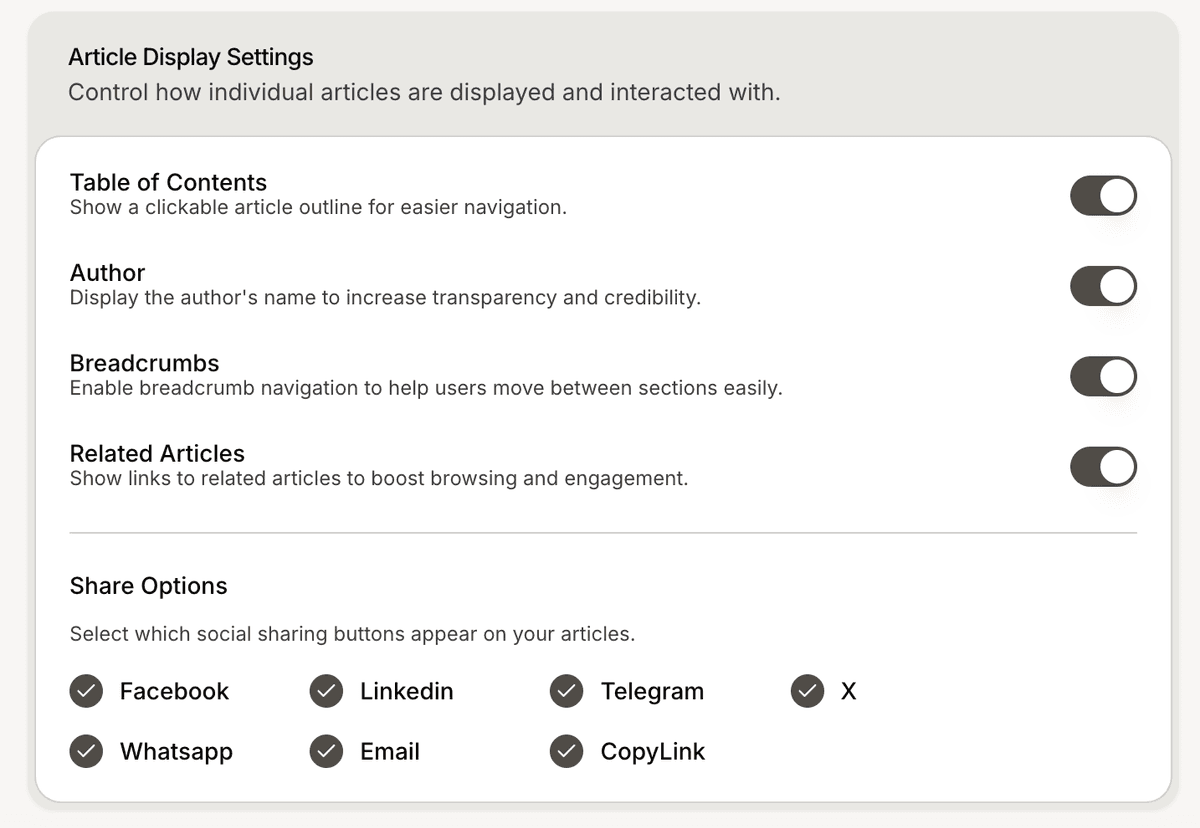
Configure article display settings
The Newsroom Article settings control how public articles appear.
Available settings include:
Table of Contents
Author
Breadcrumbs
Related Articles
Share Options
These settings affect the public article experience.
PRO TIP:
Keep homepage navigation and article layouts simple so visitors can focus on the content.