Article settings control how public Help Center articles appear and behave for visitors.
These settings include:
article navigation
sharing options
author visibility
related articles
featured articles
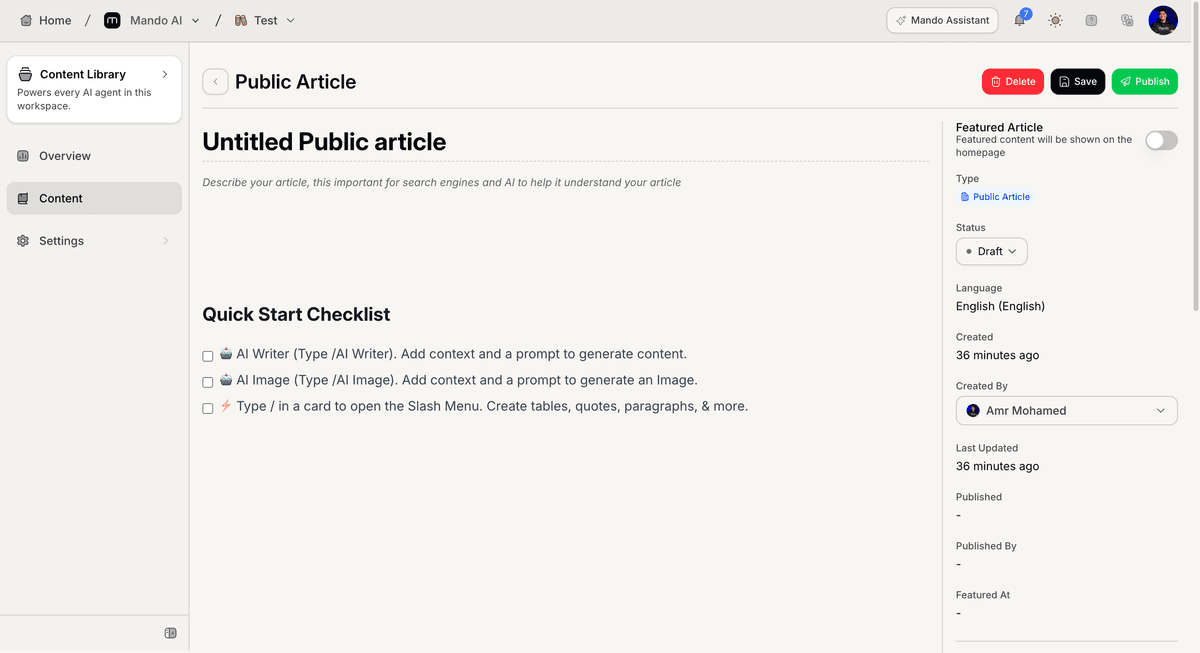
Open the article settings
To configure article settings:
Open your Help Center app
Go to Settings
Open Article
Inside this section, you can control article display behavior.
Configure featured articles
The Article settings include featured article controls for the homepage.
Available settings include:
enable featured articles
featured section title
Featured articles appear on the public Help Center homepage.
Configure article display options
The Article settings include multiple visibility controls.
Available options include:
Table of Contents
Author
Breadcrumbs
User Feedback
Related Articles
These settings affect how individual articles appear to visitors.
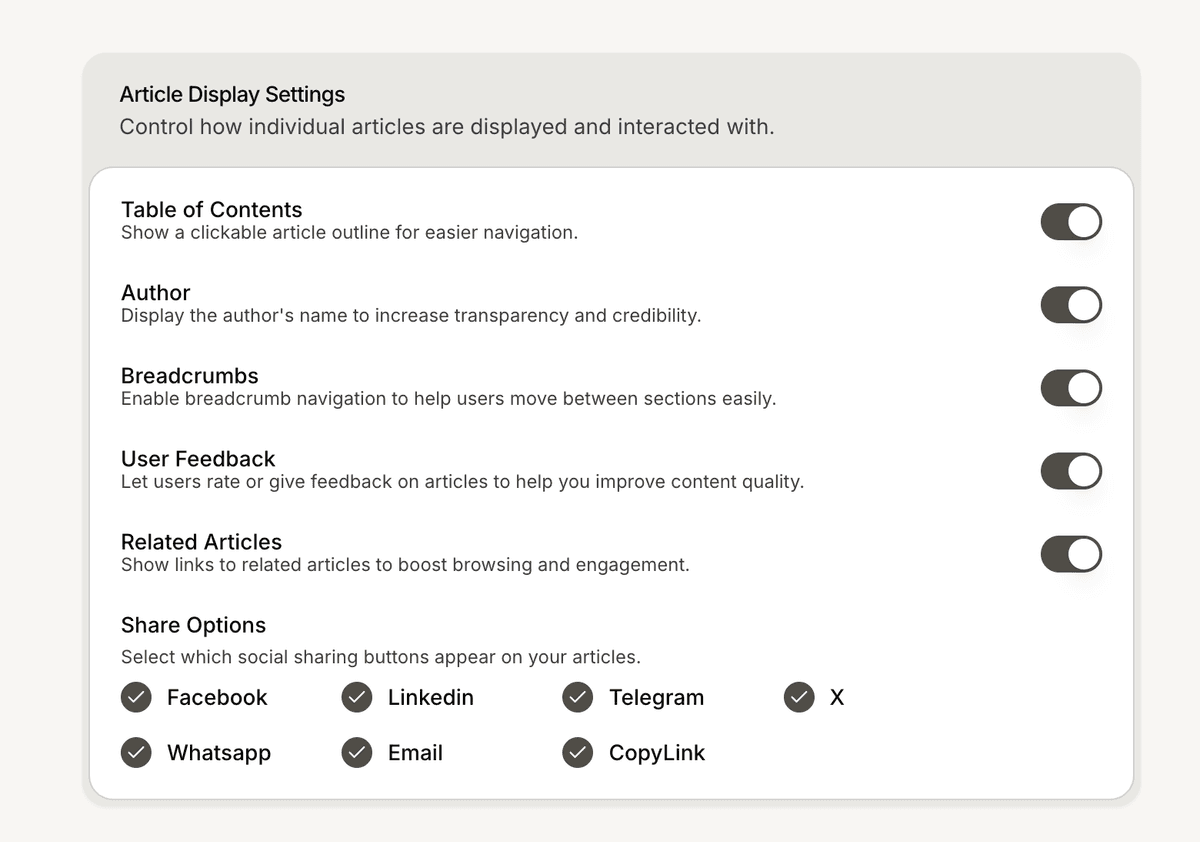
Configure article sharing options
The Article settings also include social sharing controls.
Supported sharing options include:
Facebook
LinkedIn
Telegram
X
WhatsApp
Email
CopyLink
You can choose which sharing buttons appear on public articles.
Preview the article experience
After updating the settings:
Open the Help Center
Open a published article
Review the article layout and sharing options
This helps verify the public article experience.
PRO TIP:
Enable only the article elements your visitors actually need to reduce visual clutter.