Header and footer settings help control:
homepage text
navigation links
footer content
support information
social media links
These settings affect the public Help Center experience.
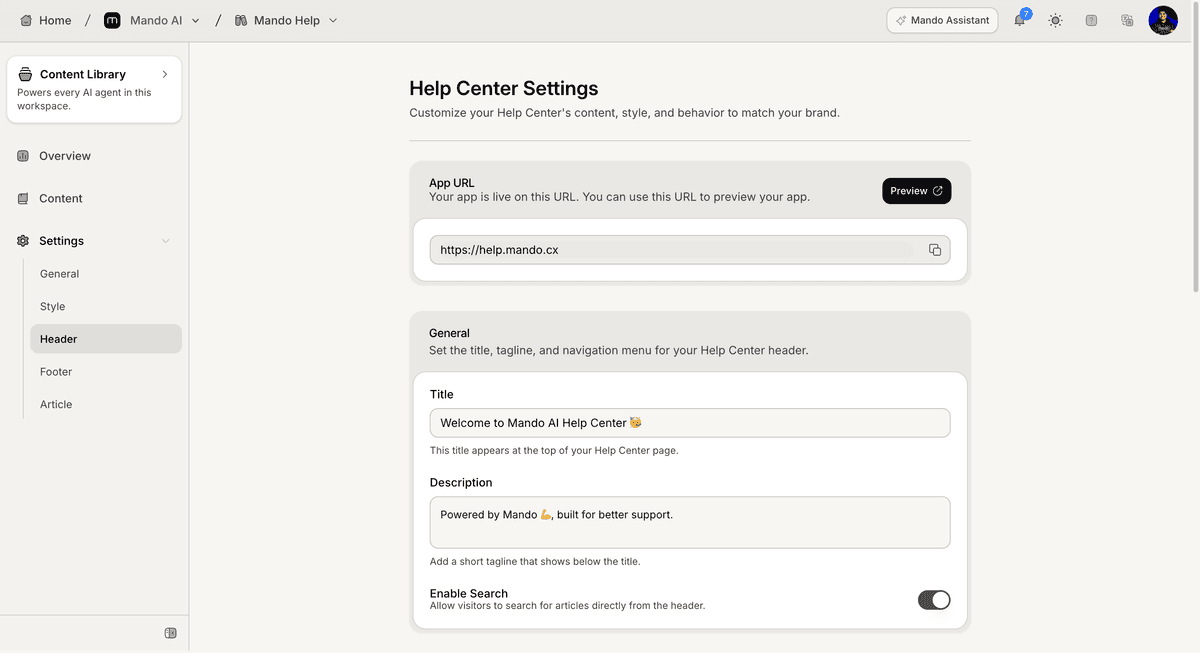
Open the Header settings
To configure the Help Center header:
Open your Help Center app
Go to Settings
Open Header
Inside this section, you can customize the top section of the Help Center.
Configure the homepage text
The Header settings include homepage text fields.
Available fields include:
title
description
These fields appear on the public Help Center homepage.
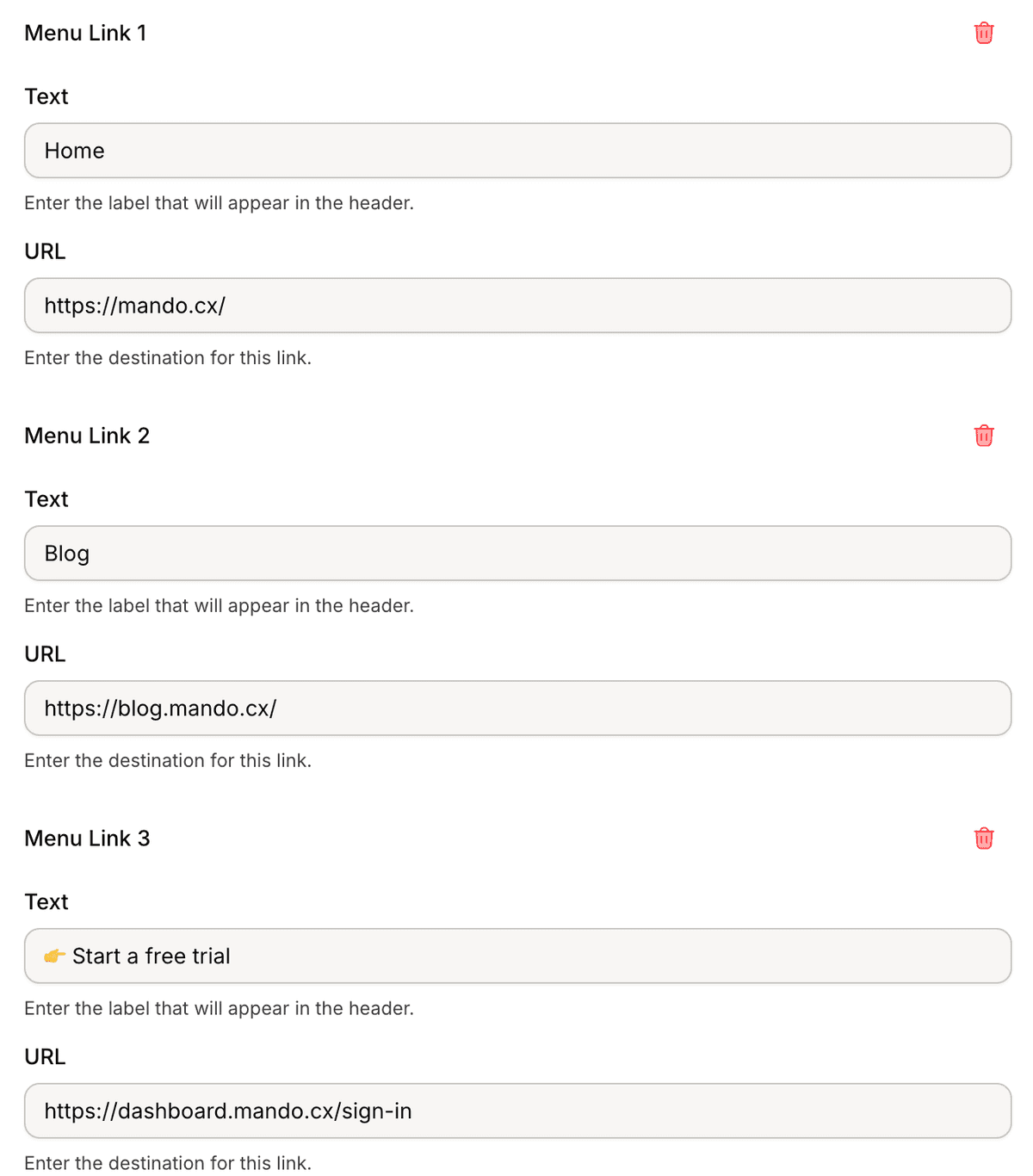
Configure header links
The Header settings also support menu links.
To add a menu link:
Open the links section
Enter the link text
Enter the destination URL
Save the changes
The Help Center supports up to 3 menu links.
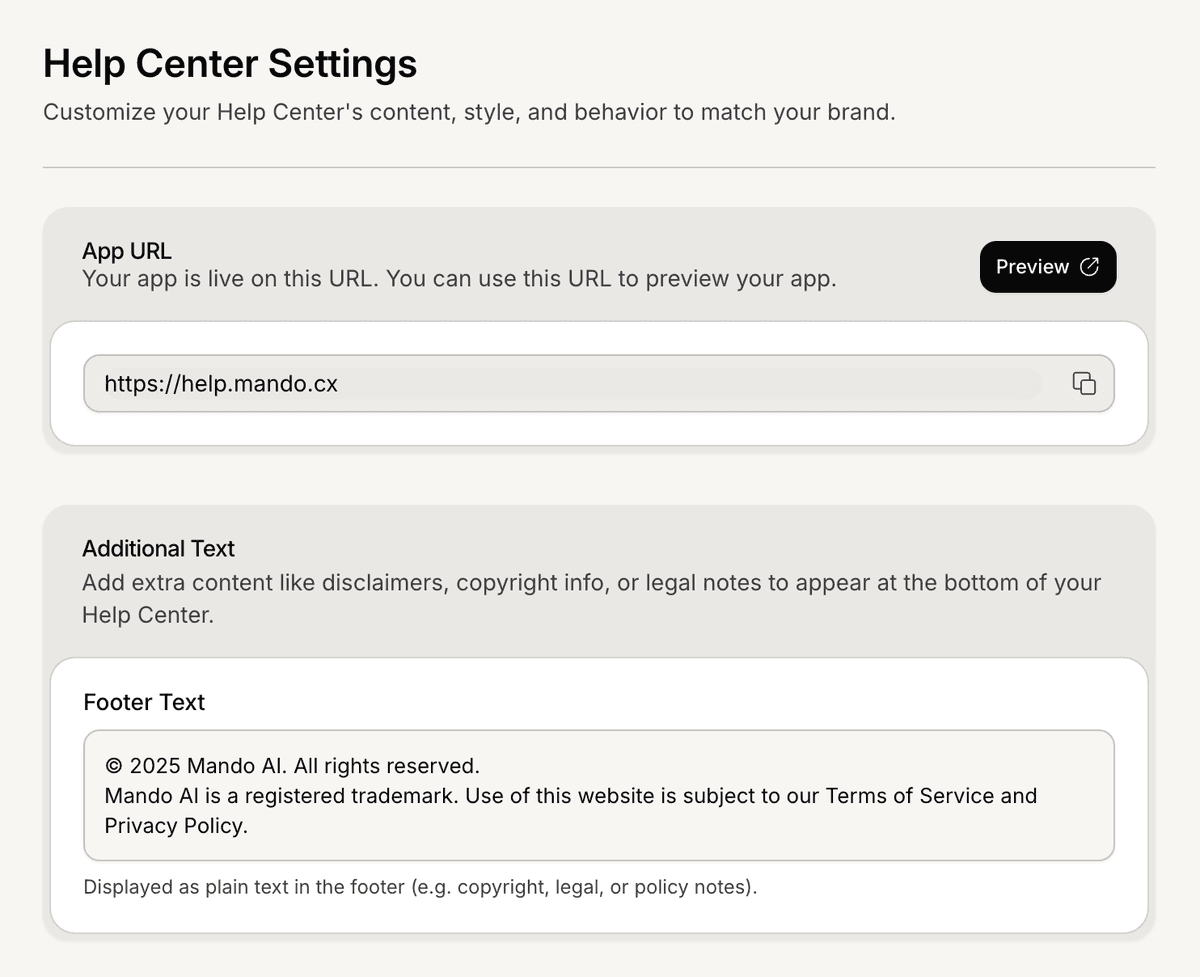
Open the Footer settings
To configure the footer:
Open Settings
Go to Footer
The Footer section controls the bottom section of the Help Center.
Configure footer content
The Footer settings include multiple content sections.
Available settings include:
footer text
footer menu links
support information
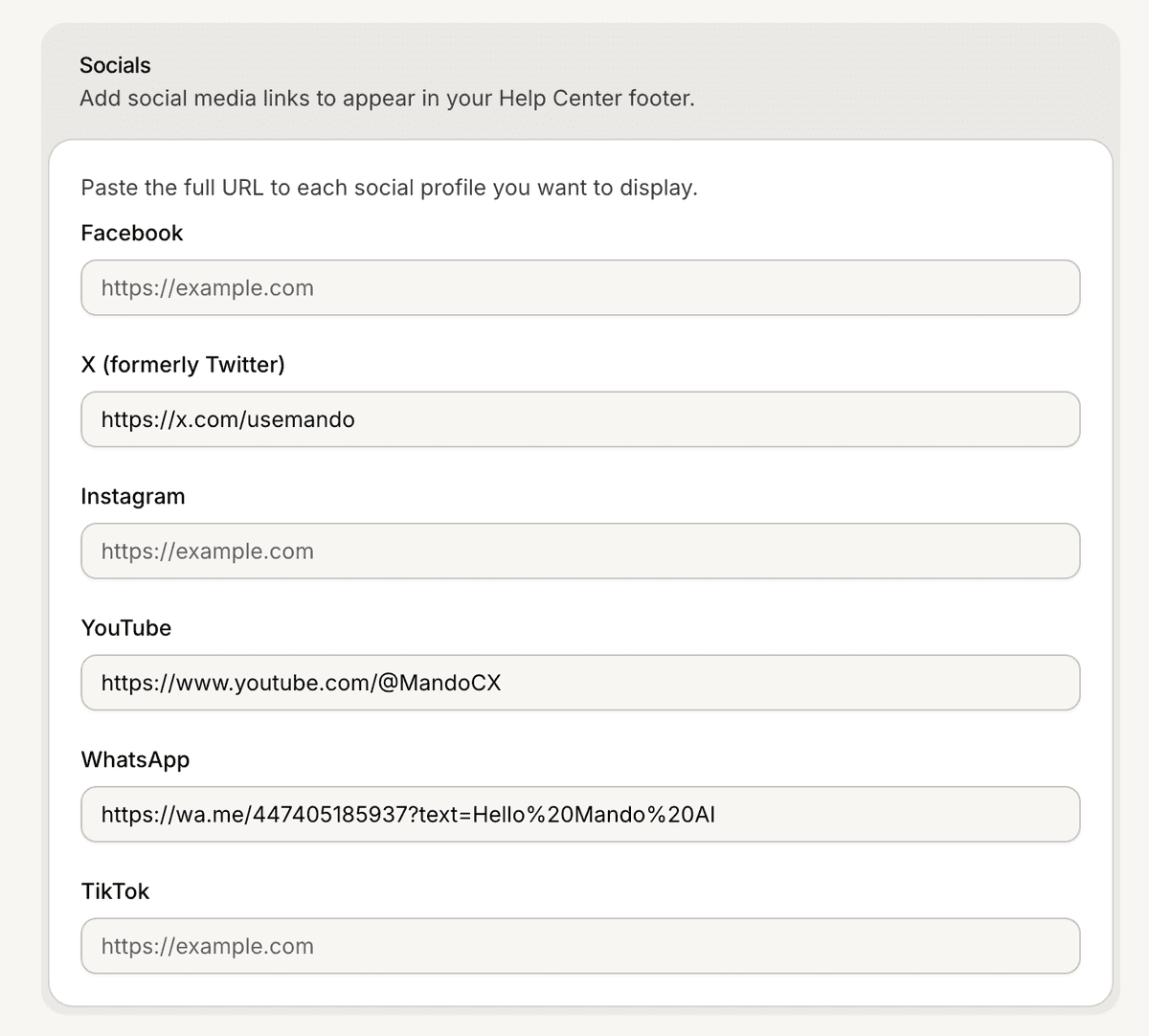
social media links
Supported social platforms include:
Facebook
Instagram
YouTube
WhatsApp
TikTok
X
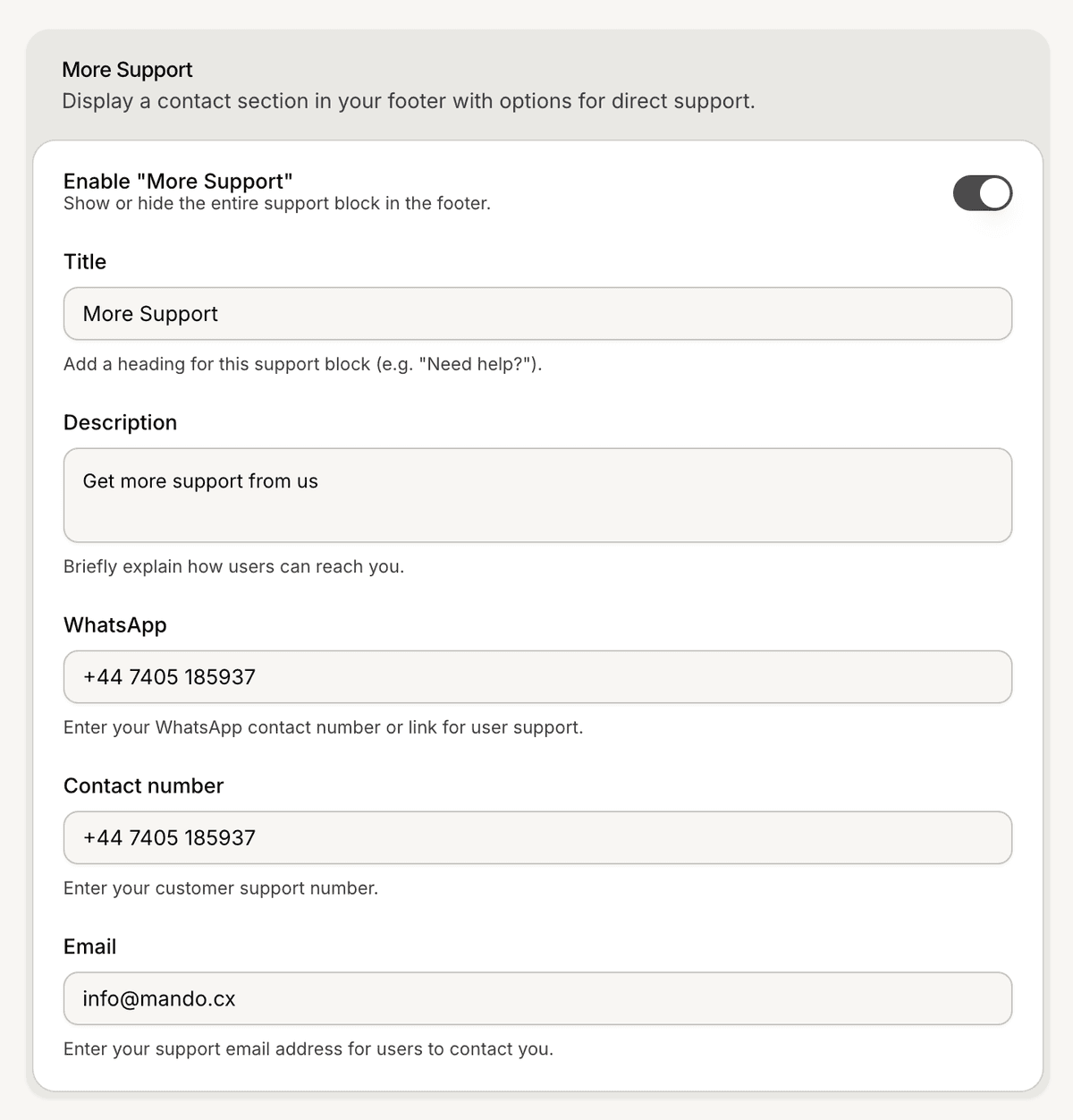
Configure the support section
The Footer settings also include a support section.
Available fields include:
title
description
WhatsApp
contact number
email
You can also add a support form link.
PRO TIP:
Keep header navigation simple so visitors can find support content faster.