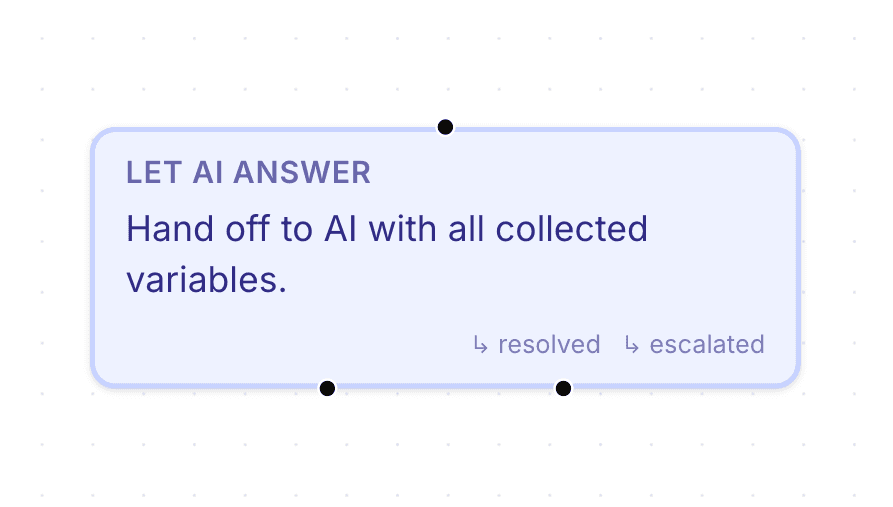
Let AI Answer nodes allow conversations to temporarily move from structured flow logic into AI-generated responses.
These nodes are useful for:
answering customer questions
handling open-ended conversations
reducing rigid workflows
combining automation with AI support
Open the flow builder
To use a Let AI Answer node:
Open your AI Agent workspace
Go to Automations
Open the Flows tab
Create or edit a flow
Inside the flow builder, you can add AI response behavior to your workflow.
Add a Let AI Answer node
To allow AI-generated responses:
Click + Add Node
Select Let AI Answer
Connect the node to your workflow
This allows the AI to respond during that part of the conversation.

Use AI responses inside flows
Let AI Answer nodes help workflows become more flexible by allowing customers to ask natural questions during automation flows.
This is useful when:
customers need clarification
conversations become less structured
workflows require more natural interaction
Combine AI responses with automation
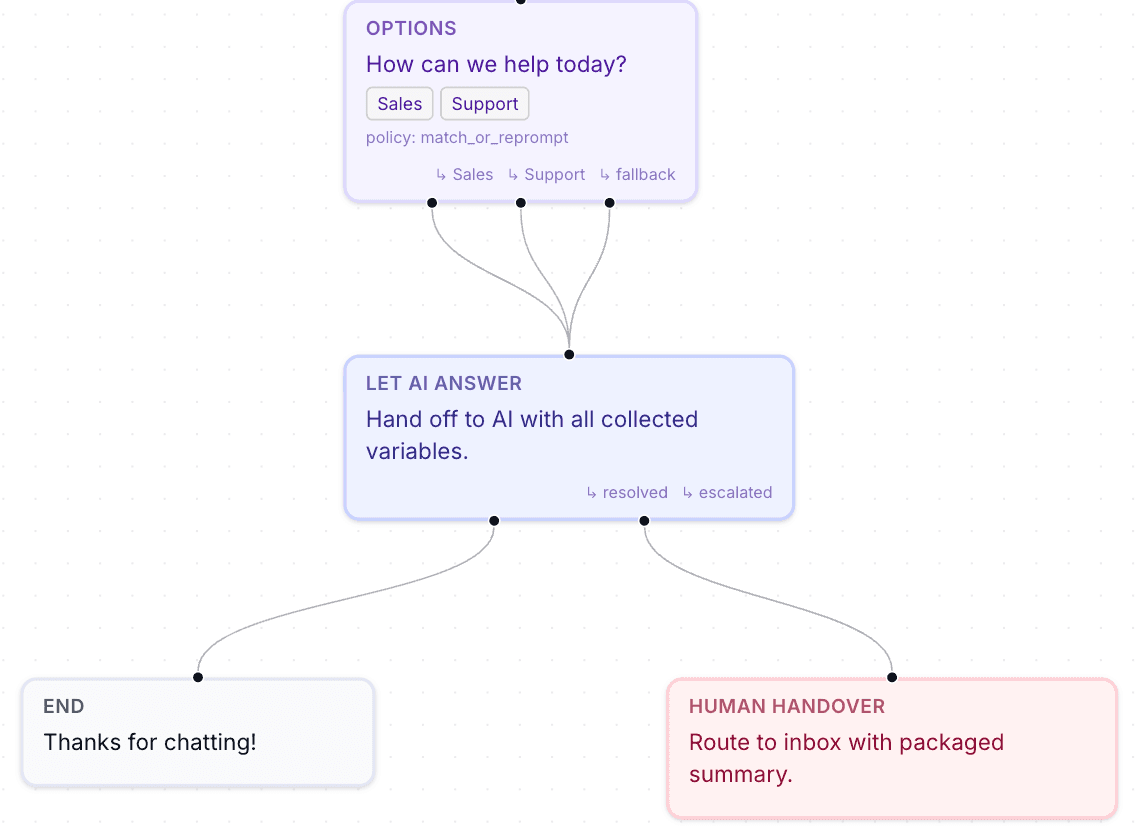
Let AI Answer nodes work well together with:
Send Message
Collect Input
Branch
Human Handover
webhook workflows
This helps combine:
structured automation
dynamic AI conversations
inside the same flow.
Use AI responses carefully
AI-generated responses may behave differently from fully structured flows.
For important workflows such as:
payment collection
legal confirmations
sensitive operations
structured logic is usually more reliable.
Test AI behavior inside flows
Before enabling the workflow publicly:
Run a test conversation
Ask different customer questions
Review AI responses
Verify the flow continues correctly
Testing helps identify confusing or inconsistent behavior.
Keep workflows balanced
Many teams combine:
structured automation for critical steps
AI responses for flexible conversations
This creates a more natural customer experience while maintaining workflow control.
Best practices for Let AI Answer nodes
For better automation workflows:
use AI for conversational flexibility
keep critical logic structured
test edge cases carefully
review real conversations regularly
Balanced workflows are usually easier to manage and improve over time.
PRO TIP:
Use Let AI Answer nodes when customers may ask unpredictable questions during a workflow. This helps conversations feel less robotic.