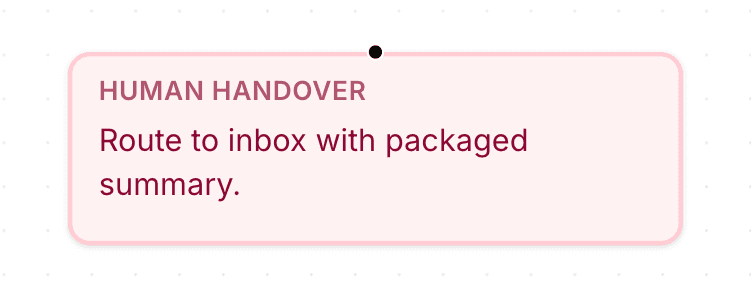
Human Handover nodes allow workflows to escalate conversations when customers require manual assistance.
These nodes are useful for:
support escalation
complex requests
billing issues
sensitive conversations
manual follow-up
Open the flow builder
To use a Human Handover node:
Open your AI Agent workspace
Go to Automations
Open the Flows tab
Create or edit a flow
Inside the flow builder, you can add escalation steps to your workflow.
Add a Human Handover node
To transfer conversations to human support:
Click + Add Node
Select Human Handover
Connect the node to your workflow
This creates a handoff step inside the conversation flow.
Use Human Handover in workflows
Human Handover nodes are commonly used when:
customers request manual support
workflows become too complex
AI responses are no longer sufficient
sensitive support situations occur
This helps create smoother collaboration between AI and support teams.
Combine Human Handover with conditions
Human Handover nodes work well together with:
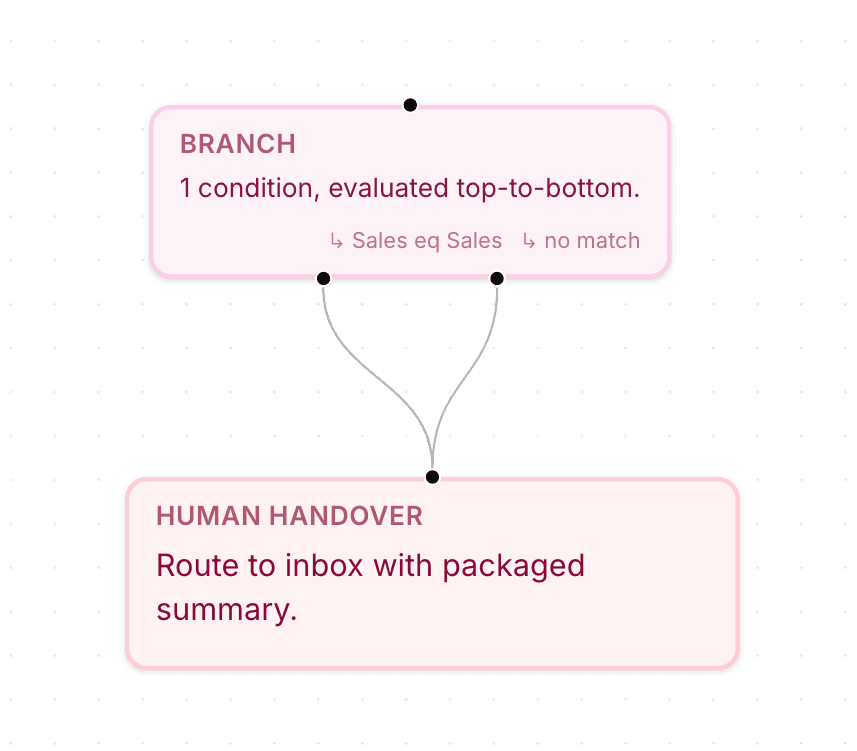
Branch nodes
Collect Input
AI Actions
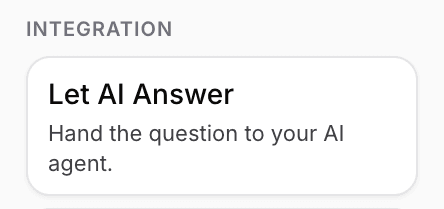
Let AI Answer
This allows workflows to escalate conversations dynamically depending on customer behavior or collected inputs.
Use Human Handover after information collection
Many workflows collect customer information before escalation.
Examples:
name
email
issue details
order information
This helps support teams receive better context before continuing the conversation manually.
Test your escalation workflow
Before enabling the automation publicly:
Run a test conversation
Trigger the escalation path
Verify the handoff behavior
Confirm the flow continues correctly
Testing helps identify broken escalation paths or missing information.
Keep escalation flows simple
For better support experiences:
escalate only when necessary
collect important context first
avoid excessive routing
guide customers clearly
Simpler escalation flows usually create better customer experiences.
PRO TIP:
Collect key customer information before Human Handover whenever possible. Better context usually helps support teams respond faster.