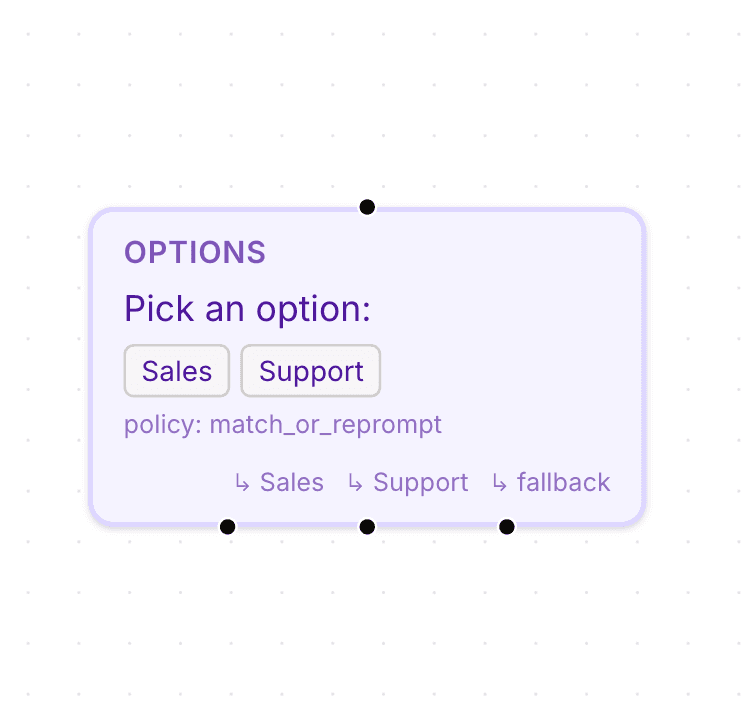
Options nodes help create structured workflows by giving users selectable choices during conversations.
These nodes are useful for:
support routing
onboarding flows
FAQ navigation
lead qualification
workflow branching
Open the flow builder
To use an Options node:
Open your AI Agent workspace
Go to Automations
Open the Flows tab
Create or edit a flow
Inside the flow builder, you can add selectable options to your workflow.
Add an Options node
To create selectable choices:
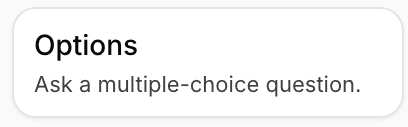
Click + Add Node
Select Options
Connect the node to your flow
This creates a branching step inside the conversation.
Configure the option message
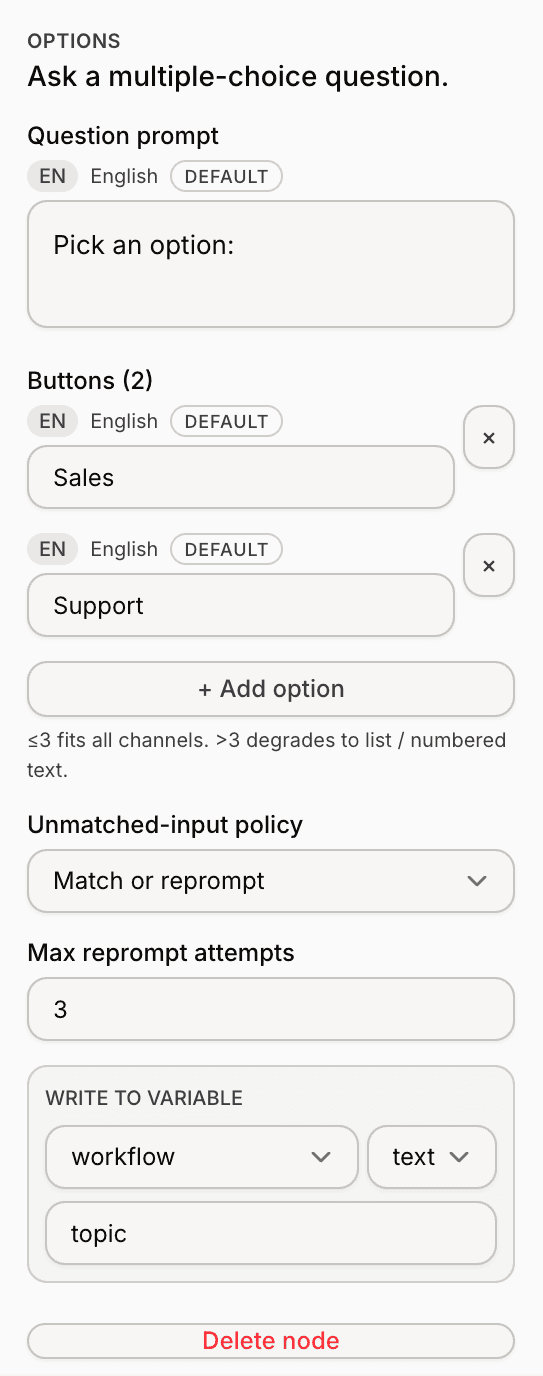
Inside the node settings:
Enter the message shown to customers
Add the available options
Save the node settings
The message helps explain what choices are available.
Add conversation options
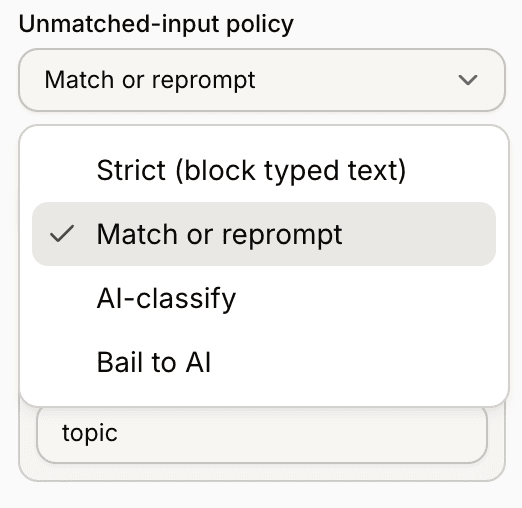
Each option represents a separate workflow path.
Examples may include:
Sales
Support
Billing
Product Questions
Customers can select one of the available options during the conversation.
Connect options to different paths
Each option can connect to a different node or workflow branch.
This allows conversations to move dynamically based on customer selections.
For example:
one option may lead to Human Handover
another may continue through AI automation
another may trigger a webhook flow
Use Options with other nodes
Options nodes work well together with:
Send Message
Branch
Collect Input
Human Handover
Let AI Answer
This helps create more structured automation workflows.
Test your option flow
Before enabling the workflow publicly:
Run a test conversation
Select different options
Verify each branch works correctly
Review the conversation flow
Testing helps identify broken paths or unclear workflows.
Keep options simple
For better customer experiences:
avoid too many options
use short labels
keep wording clear
organize flows logically
Simpler decision trees are usually easier for customers to follow.
PRO TIP:
Limit options to the most important customer paths first. Too many choices can make conversations feel confusing.